


Distribute your Apple Wallet and Google Wallet passes
Distribute your Apple Wallet and Google Wallet passesEmbed “Add to Wallet” directly into your digital journeys or launch dedicated enrollment campaigns to install passes at scale.
Websites, mobile apps, QR codes, forms, or marketing campaigns. The Wallet Crew adapts to your distribution strategy.
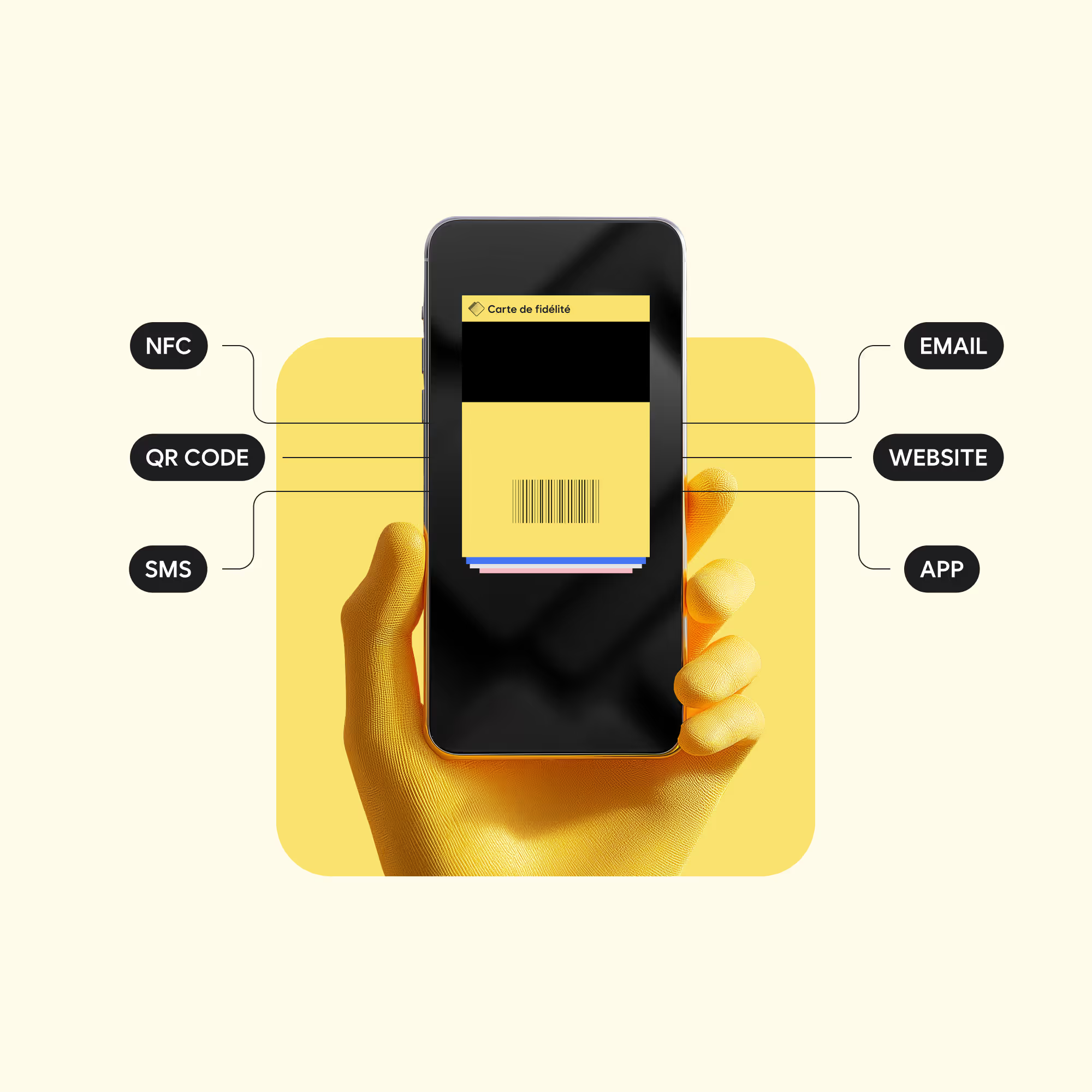
Maximize pass installs in mobile wallets
Place the “Add to Wallet” button at the right moment in your customer journeys and simplify installation across all devices.
.avif)
Integrated distribution
Embed Add to Wallet directly into your websites, apps, and existing user journeys.
.avif)
Native multi-pass
Distribute multiple passes to the same user in a single experience.
.avif)
Universal links
Short links compatible with iOS, Android, and desktop, optimized for installation.
.avif)
Bulk Campaigns
Launch large-scale enrollment campaigns to recruit or migrate users.
More installs. Less friction.
The Wallet Crew optimizes every step of the installation flow: device detection, reduced clicks, and native integration into your experiences.
The result: higher pass installation rates in Apple Wallet and Google Wallet.

The tools to distribute your passes

SDK for websites and mobile apps
Our SDKs make it easy to integrate Add to Wallet into your websites and applications.
.avif)
Enrollment forms and landing pages
Create dedicated signup experiences to generate a wallet pass instantly after registration.
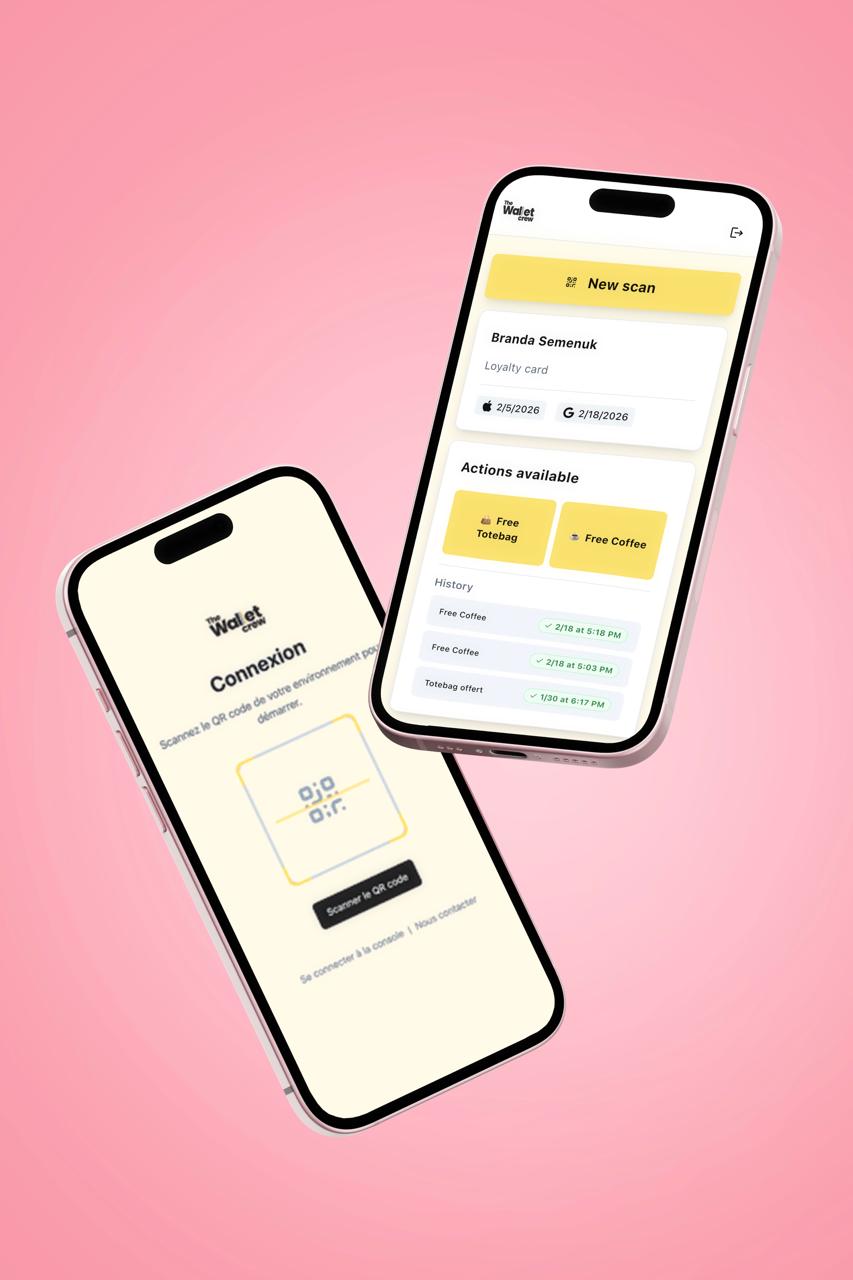
Click and installation tracking
Measure the performance of every distribution entry point.
.avif)
Installation control
Define rules for how passes can be installed.
.avif)
Distribution at scale
Launch large enrollment campaigns using bulk enrollment.
.png)
Tracking
Clear statuses, scan history, and real-time field data reporting.
How does it work?
Choose your entry point: Website, mobile app, QR code, email, or enrollment form.
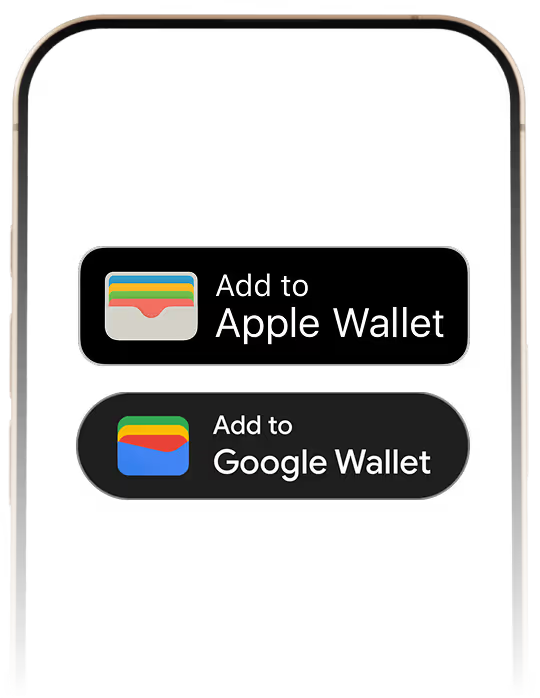
Embed the button into your journeys or use The Wallet Crew enrollment pages.

Users add their pass directly to Apple Wallet or Google Wallet.

Monitor clicks, installations, and performance across every channel.
Turn every interaction into a wallet install