
Switching Wallet solutions is more common than you might think — and much more straightforward than it may seem. Yet it is often during a project, or even once it is already live, that teams realize they are locked into their current provider.
Mobile wallets are no longer an experimental channel. According to Juniper Research, more than 5 billion people will use a mobile wallet in 2026. In France alone, 37.8 million Wallet passes are currently active. Brands that deployed their first passes two or three years ago are now facing evolving needs: new use cases, new integrations and new expectations around customer experience. And sometimes, a technical solution that can no longer keep up.
The good news is that migrating your Wallet solution is entirely possible. The challenge is not purely technical. The priority is to preserve the customer experience, keep existing passes active, avoid service disruptions and carefully plan the transition.
In this article, we explain how.
Why switch wallet solutions?
Better integration with your ecosystem
This is, by far, one of the main reasons companies decide to switch Wallet solutions.
In most Wallet projects, migration is not triggered by a technical issue with the existing provider. It happens because the company's technology ecosystem is evolving.
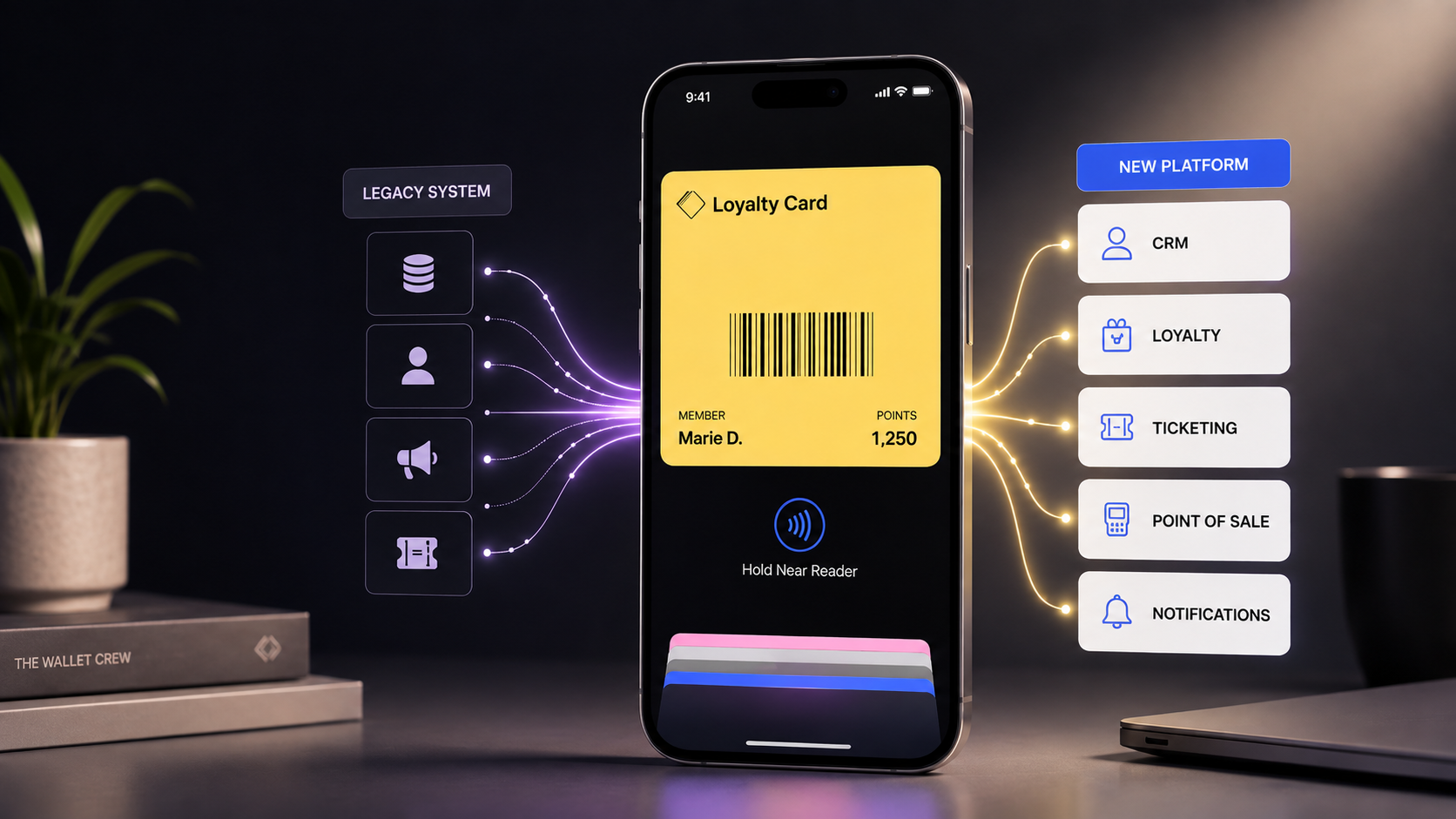
A new CRM, a new loyalty platform, a change in marketing automation tools, a ticketing system migration or a redesigned customer journey… All these projects require the Wallet solution to integrate seamlessly with the new ecosystem.
Rather than multiplying custom developments or maintaining integrations that have become increasingly complex, many brands use this opportunity to move to a more open and flexible platform that can support their future needs.
A solution that has become too limited
Early Wallet platforms were often designed for relatively simple use cases: issuing a pass and sending a notification.
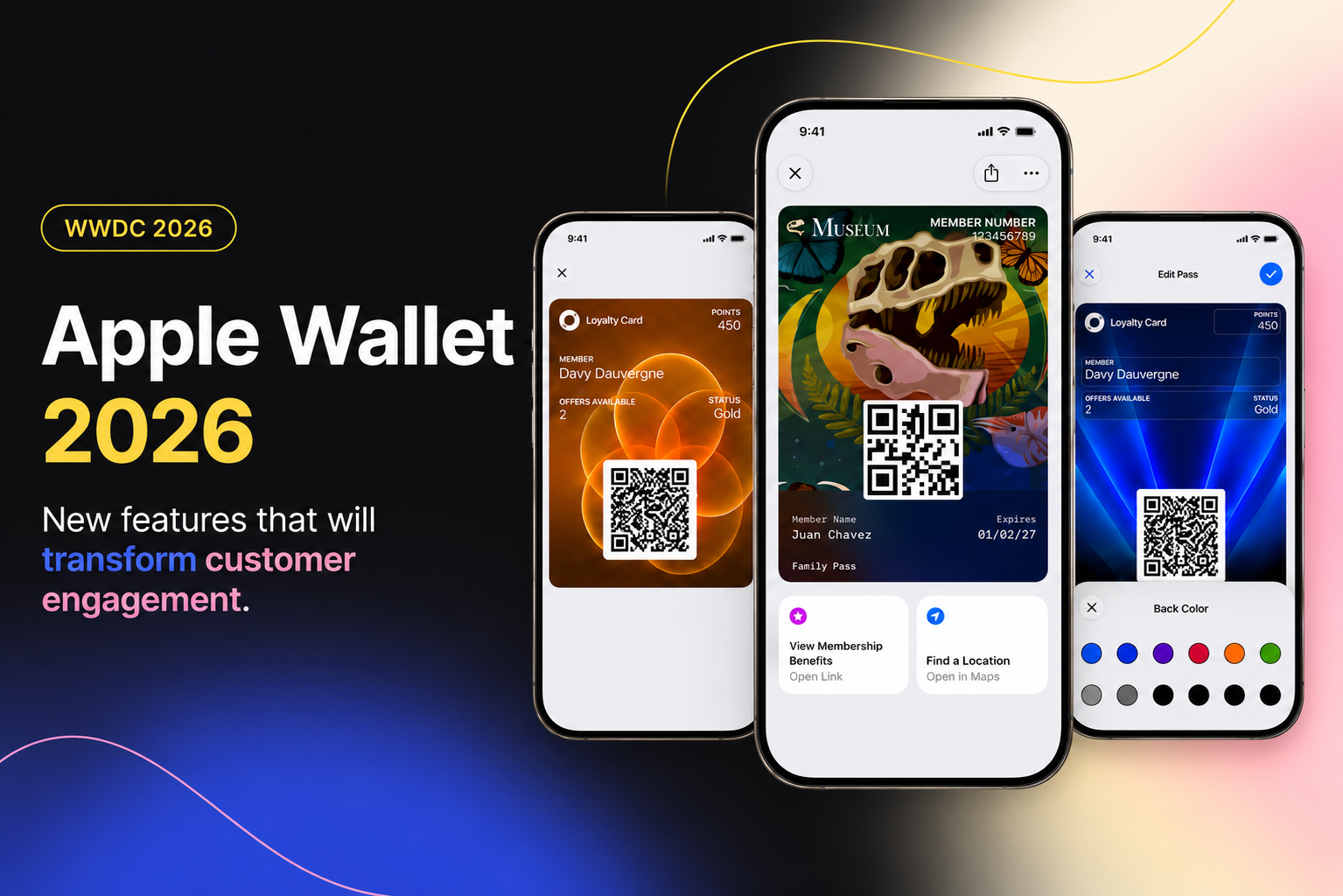
But expectations have evolved. Today, CRM teams want to trigger real-time updates from their orchestration tools, personalize each pass based on customer status, or leverage new Apple Wallet features such as Featured Actions or CTA buttons below the pass.
If the platform cannot keep up, the Wallet strategy quickly reaches its limits.
Evolving business needs
A company that deployed only a loyalty card a few years ago may now want to offer much more: digital tickets, membership cards, dynamic coupons, gift cards or VIP programs.
This evolution is natural. However, not every Wallet platform was designed to support this level of growth.
Migrating to a new solution can therefore help address current needs while also preparing for future use cases, without having to rethink the entire technical architecture again a few years down the line.
Is migrating a wallet solution complicated?
Not necessarily. But it needs to be approached in the right order.
A Wallet migration is not simply about moving passes from Platform A to Platform B. Before migrating existing passes, the new solution must first be implemented and working properly for all new users.
The project therefore takes place in two stages. First, the new Wallet platform is deployed, the various tools are connected and customer journeys are validated for new users. Only once this new architecture is operational can the migration of existing passes begin.
The level of complexity then depends on several factors: the number of active passes, their value to the business, the associated data and, above all, the systems connected to the Wallet.
For a few thousand passes, migrating existing cards may not always be worthwhile. In other contexts, however, it can be essential. This is particularly true when a company has tens or hundreds of thousands of active passes, or when each pass carries significant value — such as an event ticket, subscription, membership card or loyalty program.
There is therefore no universal threshold at which a migration becomes necessary. The key is to assess the value of the existing passes and the impact their loss would have on the customer experience.
One technical principle to keep in mind
Without going too deep into the technical details, there is one essential principle to understand: Apple Wallet and Google Wallet passes are linked to the accounts used by the company to issue them.
This is one of the reasons why, at The Wallet Crew, we recommend that brands retain ownership of their Apple and Google accounts. This gives them greater control over their passes and more flexibility if their ecosystem or Wallet provider changes.
The migration can then be handled by the technical teams without requiring users to delete and reinstall their passes.
For more information on how passes and Apple and Google accounts work, you can refer to our technical documentation.
The 6 steps to a successful wallet migration
Step 1: Set up the new wallet solution
The first step is not the migration itself. It is deploying the new solution.
The initial goal is to make sure the new journey works properly for all new users: creating the pass, adding it to Apple Wallet or Google Wallet, connecting it to existing tools, updating information, sending notifications and using the pass.
This first phase creates a solid foundation before the migration begins. The priority is simple: make sure everything works properly on the new solution before transferring the existing passes.
Step 2: Identify dependencies
This is the step that is most often underestimated.
A Wallet never operates in isolation. It is connected to a CRM, a loyalty platform, a point-of-sale system, a ticketing platform or a customer database. Each connection is a dependency that needs to be mapped.
What triggers pass updates? How are notifications sent, and from which system? Which data is retrieved from which source?
This technical mapping directly shapes the migration plan.
Step 3: Prepare the data transfer
Once the new solution is operational and all dependencies have been identified, the data required for the migration needs to be prepared.
The objective is to allow the new platform to take over the management of passes that have already been distributed while retaining the information required for them to function correctly.
Depending on the project, this may include the pass identifier, customer information, status, benefits, points balance or other data required to update the pass.
This step is prepared jointly by the client's technical teams, the previous provider when necessary, and the new Wallet partner.
Step 4: Migrate the passes and data
Once the environment is ready, the existing passes can be migrated.
The required information is transferred to the new platform so that it can take over the management of passes that are already installed.
For users, the transition should be as seamless as possible: their pass remains in Apple Wallet or Google Wallet and no action is required on their side.
Step 5: Restore updates, notifications and automations
The migration does not stop with customer data.
Once the passes have been taken over by the new platform, it is also essential to make sure that all the processes that bring them to life are working properly: pass content updates, data synchronization, notifications, automations and events triggered by CRM and business tools.
This continuity is what ensures that customers experience no disruption between the old and new solutions.
Step 6: Switch over to the new solution
Once the new platform has been configured, the integrations validated and the update and notification processes are operational, the migration of existing passes can begin.
Unlike some other IT projects, this migration is generally not carried out gradually or segment by segment: the relevant passes are switched over to the new solution in a single migration.
Once the transition is complete and all data flows have been checked, the previous platform can be deactivated.
Mistakes to avoid
Failing to involve business teams
A Wallet migration is not just an IT project.
CRM, marketing and customer relationship teams need to be involved from the outset. They are the ones who understand the use cases, sensitive customer segments and ongoing campaigns.
A migration carried out without involving these teams risks creating unexpected issues at the worst possible time.
Underestimating integrations
The interface of the new platform is often relatively easy to get to grips with.
What takes time is reconnecting all the dependencies: CRM, POS, notifications, customer databases and other systems.
Integrations therefore need to be anticipated as a central part of the migration project rather than treated as a secondary technical consideration.
Forgetting Google wallet
Many Wallet projects were initially launched with Apple primarily in mind. However, Android represents a significant share of the smartphone market.
A migration that does not give Google Wallet the same level of attention as Apple Wallet is therefore incomplete.
Focusing only on design
Redesigning passes is often one of the first things teams want to do during a migration. It is understandable, but it should not be the priority.
The first objective is to ensure that existing passes continue to work, data is migrated correctly and integrations remain reliable.
Focusing only on the migration
A common mistake is to consider the migration of existing passes as the core of the project.
Before transferring the existing passes, you first need to make sure that the new solution works properly for new users.
Pass creation, CRM and business-tool integrations, real-time updates, notifications and automations: the new process must be fully operational before the migration begins.
The migration then comes as the final step, allowing the existing passes to be transferred to the new environment.
Questions to ask before choosing your new wallet provider
A Wallet migration is not simply about moving files from one platform to another.
It affects the entire pass lifecycle: how it is issued, how it is updated, how it communicates with the customer and how it is removed when it is no longer valid.
Before choosing your new Wallet provider, consider asking the following questions:
- Are push notifications included in the plan or charged individually?
- Is the API publicly documented and stable?
- Does the platform support Google Wallet with the same level of functionality as Apple Wallet?
- Does the provider support the migration of existing passes, or only provide the new platform?
- Can I expand my use cases without rebuilding the entire integration?
- Can marketing teams manage campaigns and updates independently without relying on technical teams?
These are not minor details. They are the criteria that distinguish a true Wallet partner from a simple pass-issuing tool.
A migration is also an opportunity to evolve your wallet strategy
A migration is not simply a change of tools. It is an opportunity to rethink your overall Wallet strategy, which may have been built several years ago around constraints that no longer exist.
In practical terms, this is the right time to rethink the Wallet customer journey from end to end: how customers discover the pass, how they add it to their Wallet and what they receive in the days that follow.
It is also an opportunity to activate features that may not have been available when the project was first launched, such as Apple Wallet Featured Actions and CTA buttons displayed below the pass with iOS 27.
Let's take a concrete example. A fashion retailer deployed a Wallet loyalty card three years ago with a basic integration: customers' points balances were updated once a week via an export.
When migrating to a new solution, the retailer takes the opportunity to move to real-time updates after every purchase, trigger automatic notifications when customers reach a new loyalty tier, and add a birthday coupon that appears directly on the pass on the customer's birthday.
The result: the Wallet evolves from a passive information channel into a genuine customer relationship channel.
Switching Wallet solutions has become much more common than it was a few years ago. It is not necessarily a sign that something has gone wrong. More often, it shows that a brand's Wallet strategy has matured and its ambitions have outgrown the capabilities of the solution it originally selected.
The challenge is not simply to move passes from one platform to another. It is an opportunity to build a more scalable architecture, better integrated with your ecosystem and capable of supporting new Wallet use cases — whether they come from your business teams or from the continuous innovations introduced by Apple and Google.
A well-prepared migration is rarely an obstacle. More often, it becomes the starting point for a more ambitious Wallet strategy.