

Smart digital tickets in Apple Wallet and Google Wallet, from purchase to on-site experience
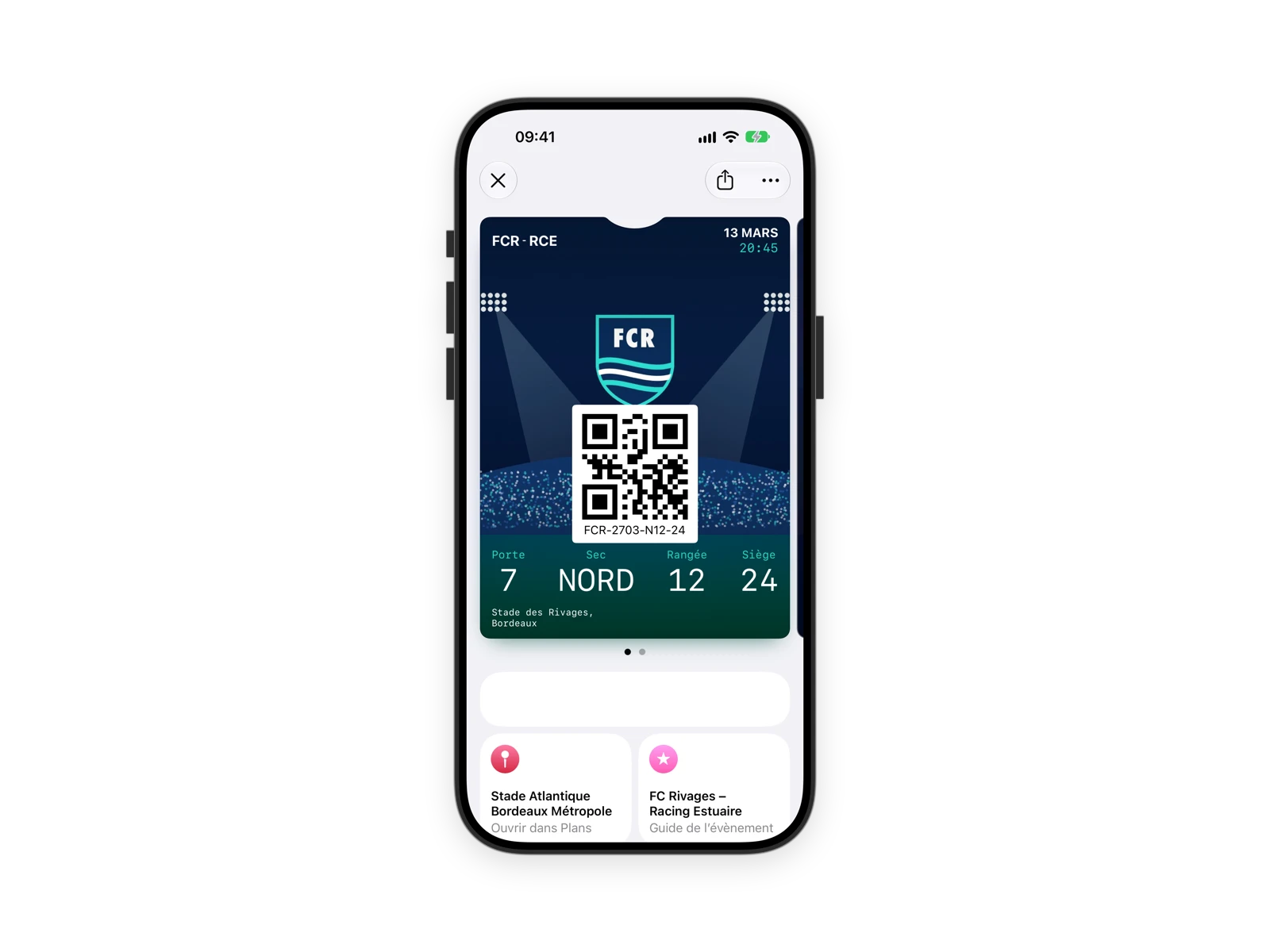
The entire post-purchase journey, inside the mobile ticket. It grants entry, then becomes a channel during the event: bar and shop offers, activations, the right message at the right time. Tickets and invitations stay up to date, and entry is checked with Pass Scanner.
Shorter lines, more on-site revenue
Averages observed across our culture and events customers.
35%
of tickets added to the Wallet on day one, and up to nearly 100% for some events.
-15%
time at access control: entry by QR code or NFC, shorter lines.
+5%
additional revenue from on-site offers and activations.
The ticket doesn't stop at the gate
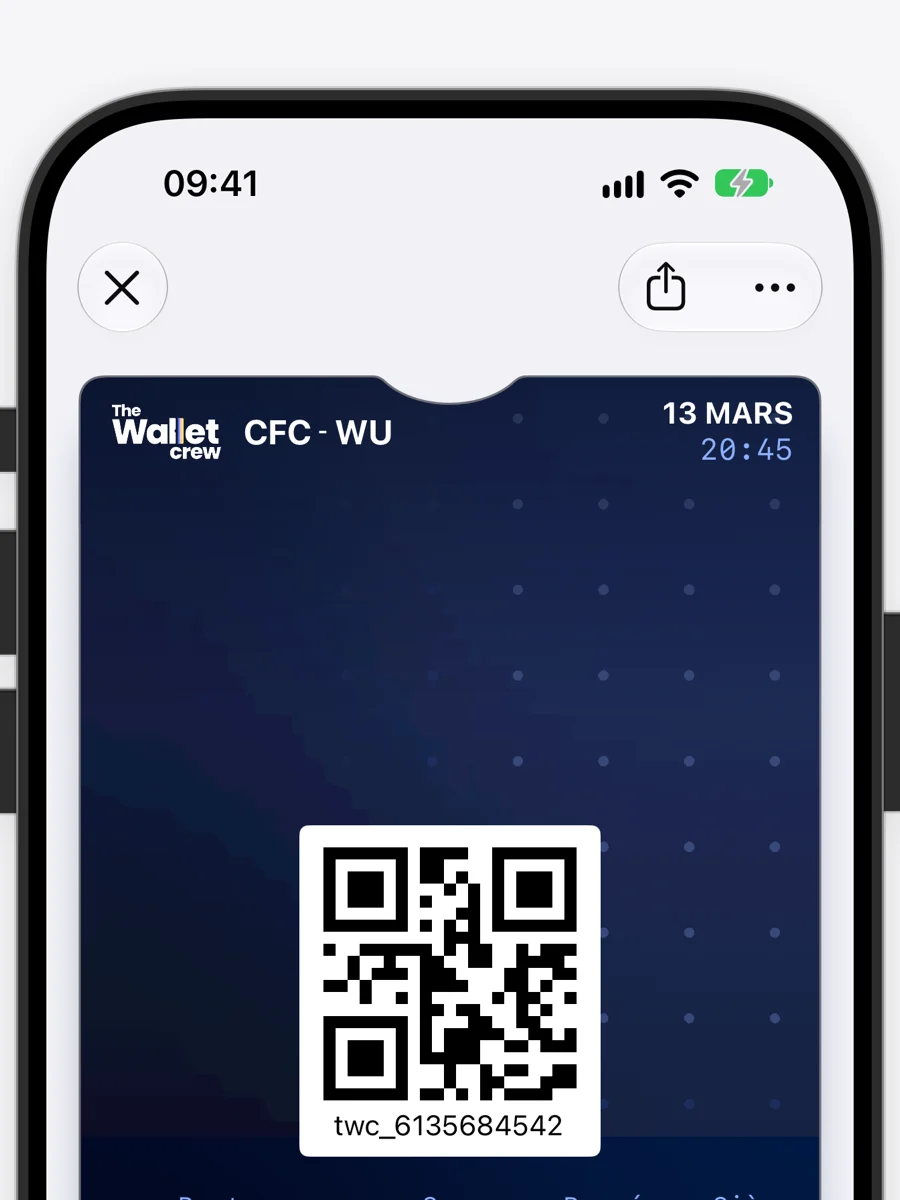
It shows your ticketing data, follows every change, then accompanies visitors during and after the event.
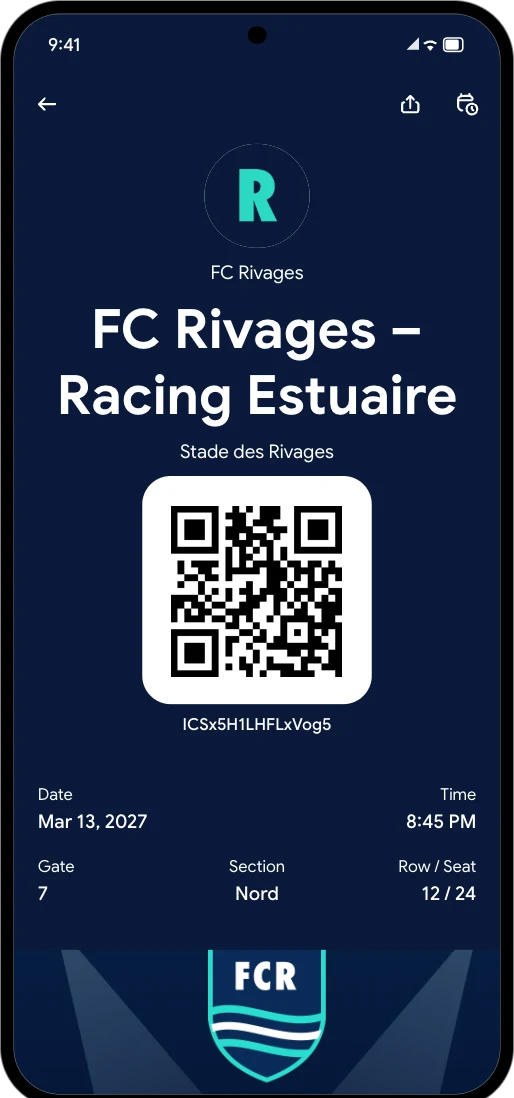
Everything needed to get in
The event, time, venue and seating down to the seat.
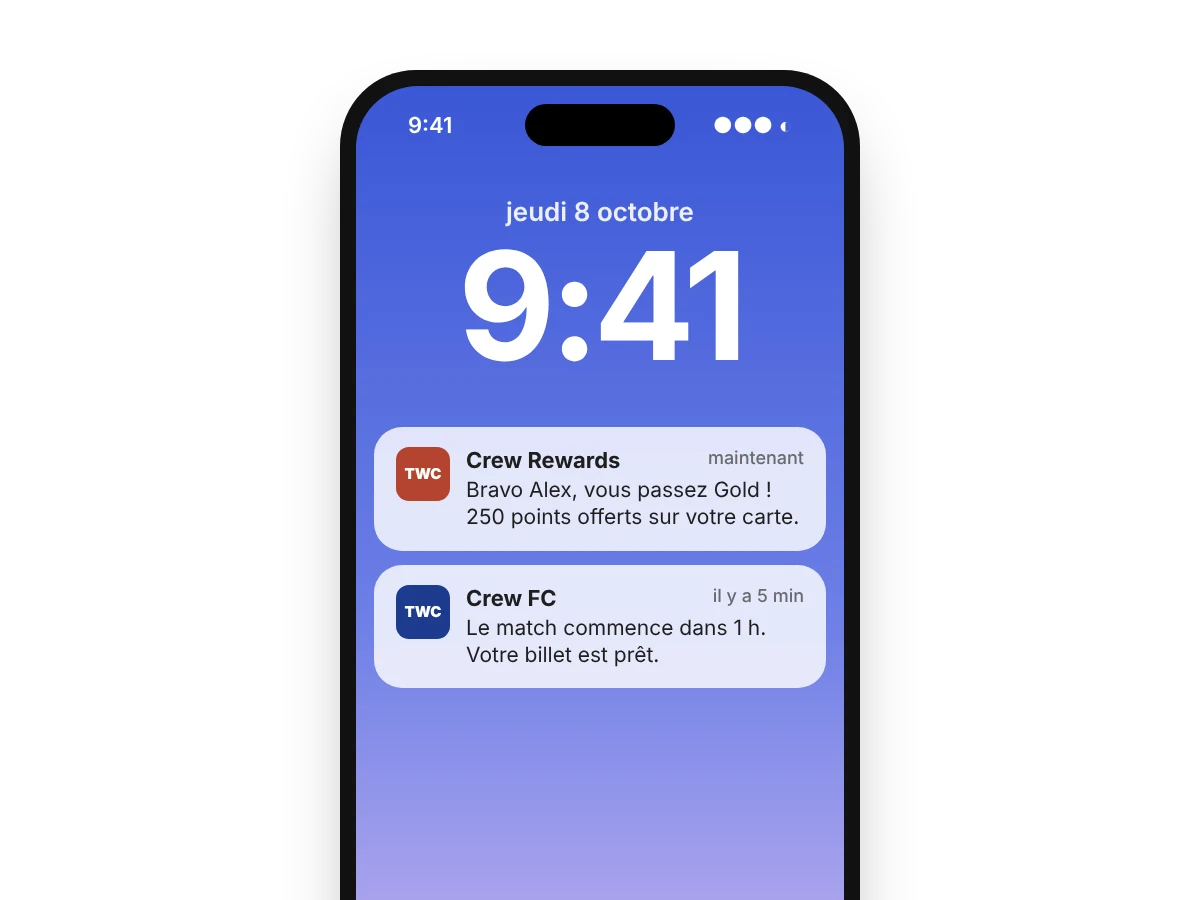
Changes and cancellations
A change updates the ticket, a cancellation voids it.
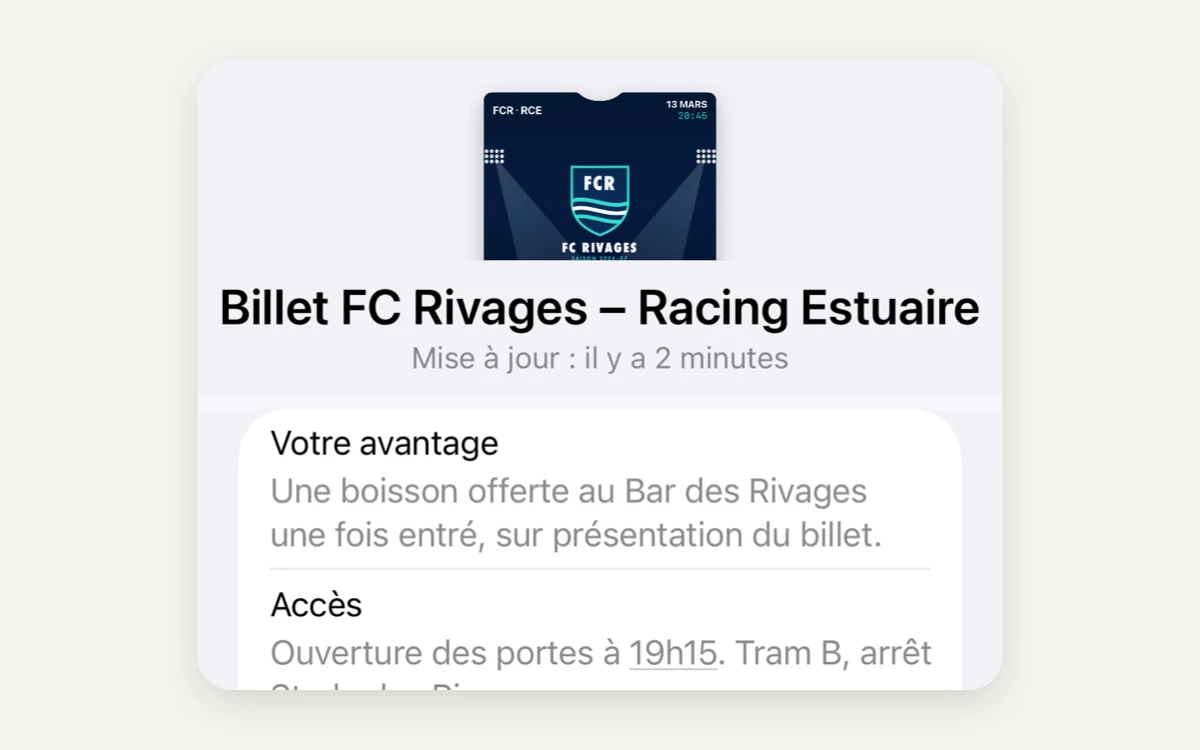
Unlocked perks
The entry scan can add VIP access or a free drink to the ticket.
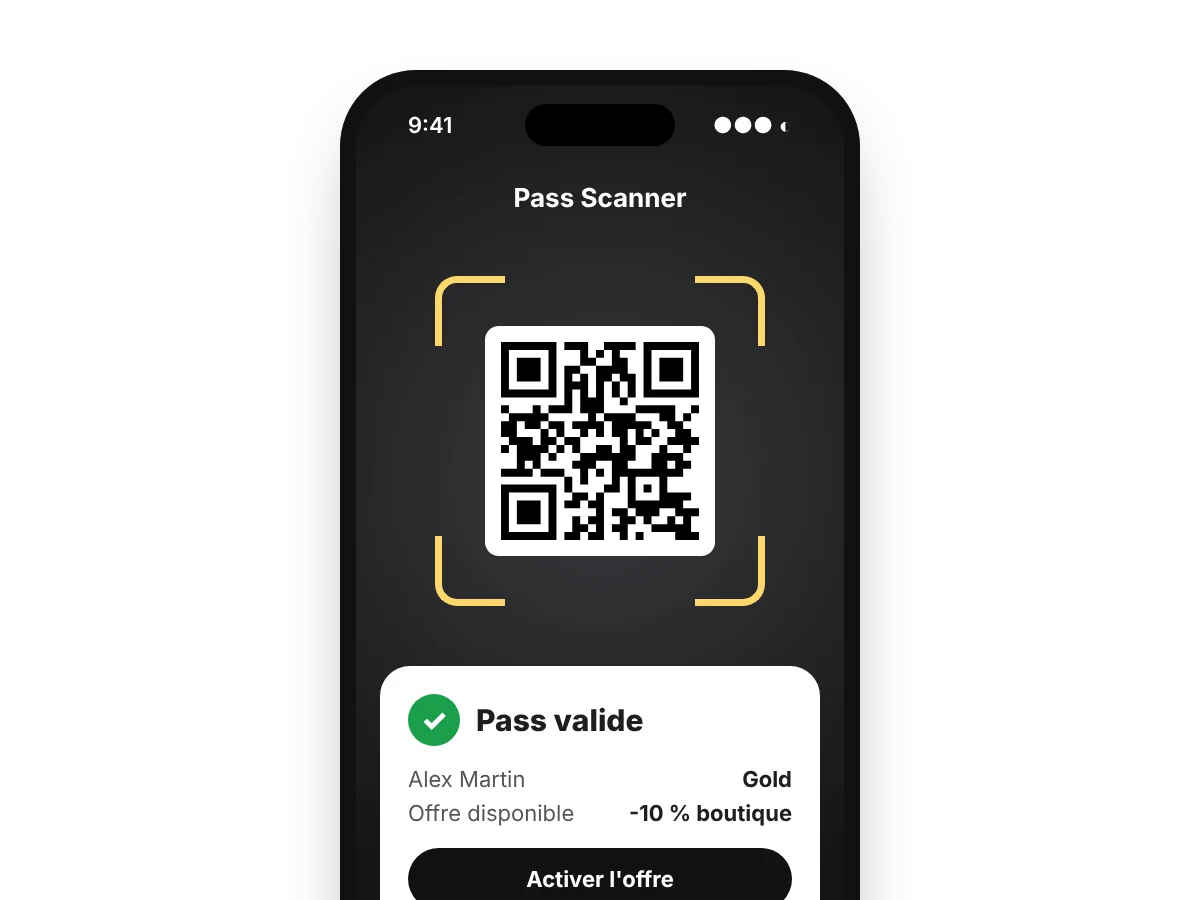
Bar and shop offers
Drink, meal or discount shown on the ticket and validated at scan.
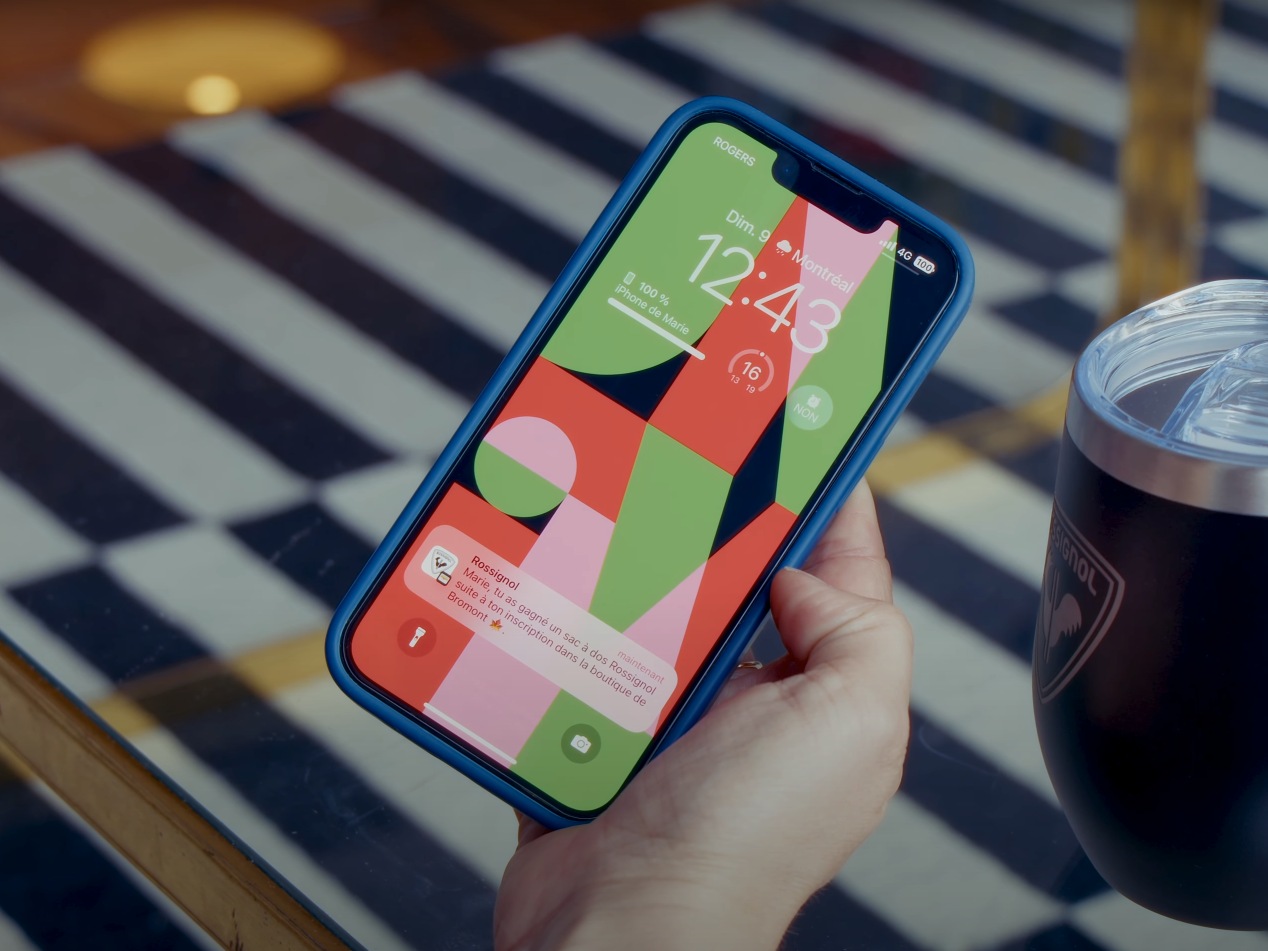
Activations at the right moment
A meet-and-greet, a prize draw or a space opening, plus location-based reminders near the venue.
The relationship continues
A thank-you, an offer for the next date or a survey, on the same ticket.
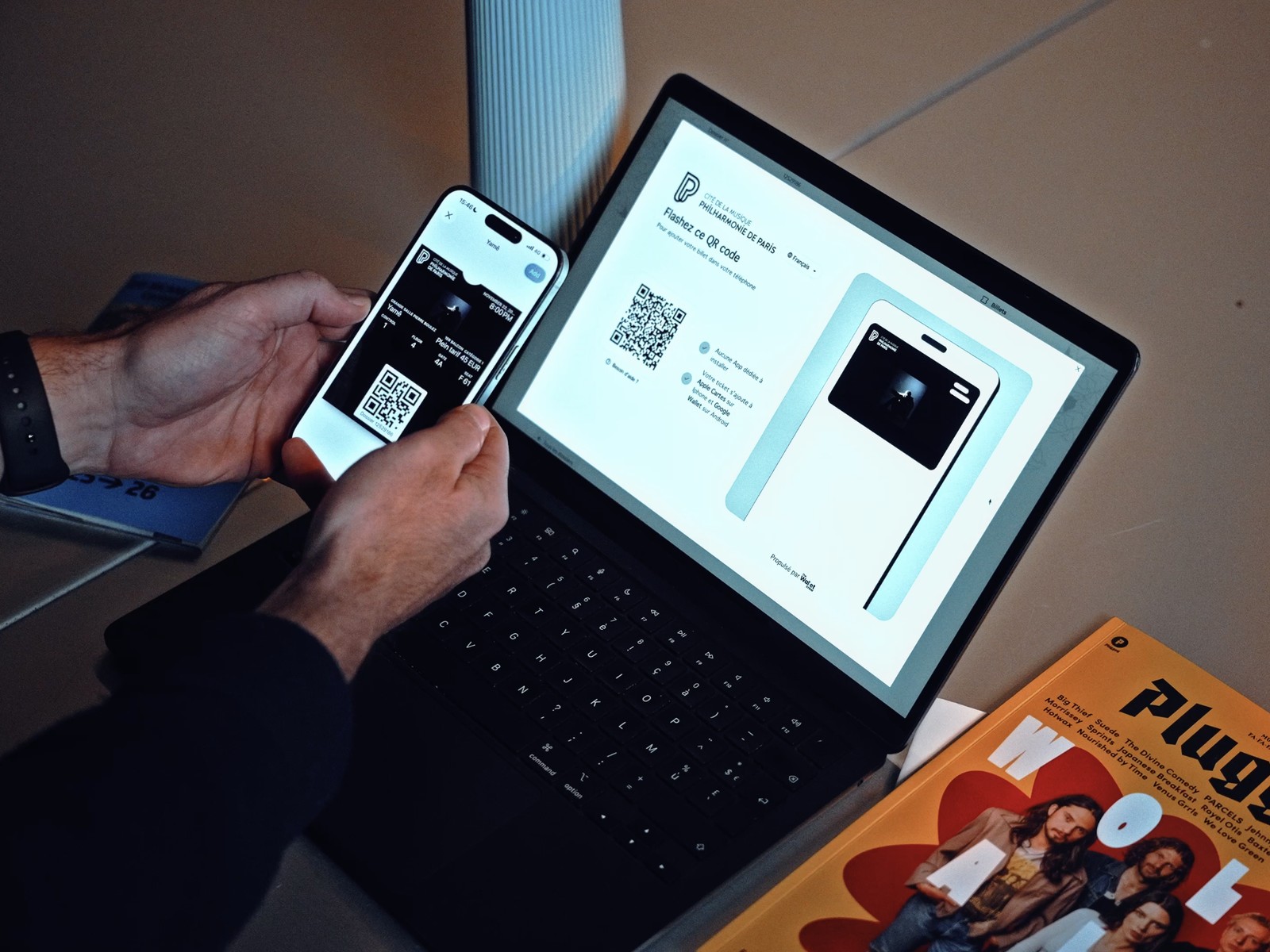
Add the ticket to your Wallet
Experience it the way your visitors will, on your own phone.
From invitation to on-site welcome
Customer evening, premiere or trade show: the invitation becomes a named pass in the Wallet, and you finally know who is coming. For events without ticketing, Wallet invitations and Pass Scanner are all you need.
The invitation goes out
By SMS, RCS, WhatsApp or email, shared by a guest, or printed with an NFC tag or QR code.
The guest registers
A short form collects their details and consent.
A named invitation
In their Wallet, reserved for the holder, with transfer allowed if you choose.
Welcomed on site
Scanned with Pass Scanner at the door, perks unlocked, and a new contact in your CRM.
From purchase to on-site experience
Purchase and delivery
Ticket bought in your ticketing system, link in the confirmation email or button on your site. The whole order on one page, with "Add all".
Before the event
Reminders and practical info by notification.
At the gate
Ticket scanned with Pass Scanner, by QR code or NFC.
On site
Offers, activations and messages during the event.
Venues that put their tickets in the Wallet

600,000 tickets a year
A smoother audience experience and optimized access control.

200,000 attendees a year
Concerts and events at the Maison de la Radio et de la Musique.

From ticketing to membership
The visitor experience of a leading cultural institution.
Platform building blocks for your tickets and invitations
Create, distribute, engage and control your tickets, from a single back office.
Tickets, invitations and memberships
A template connected to your ticketing system.
The whole order in one click
Multi-ticket pages, invitations and forms.
Bring the event to life
Reminders, offers and on-site activations.
Control access
Pass Scanner, QR code, NFC and compatible hardware.
Your ticketing system remains the source of truth
The Wallet Crew reads tickets from your ticketing system and follows their lifecycle: SecuTix, Aparté, Vivaticket, and other systems via API or custom connector.
Digital ticket FAQ
Does the ticket update if the event changes?
Yes. A change in your ticketing system updates the ticket; a cancellation voids it.
Can the ticket be used after entry?
Yes. During the event it shows on-site offers and perks and receives notifications, including location-based ones. The entry scan can also unlock a perk, and the ticket keeps the relationship going after the event.
How do you check tickets at the entrance?
With the Pass Scanner app, which reads ticket QR codes and barcodes, or by NFC with compatible readers.
Can you send every ticket in an order at once?
Yes. A download page lists every ticket in the order, with an "Add all" button.
Can you manage invitations without a ticketing system?
Yes. For a simple event, Wallet invitations and Pass Scanner are enough: guests register, receive a named invitation and are scanned at the door.
Does it work with our ticketing system?
The Wallet Crew connects to SecuTix, Aparté and Vivaticket, among others, and to other systems via API or custom connector.
More use cases
Ready to board?
Tell us about your Wallet project and see the platform in a demo.