

Create Apple Wallet and Google Wallet passes for loyalty cards, tickets and gift cards, without complex integration
One pass template for Apple Wallet and Google Wallet, connected directly to your APIs, with a faithful preview on every device. From our back office, or from your favorite AI assistants.
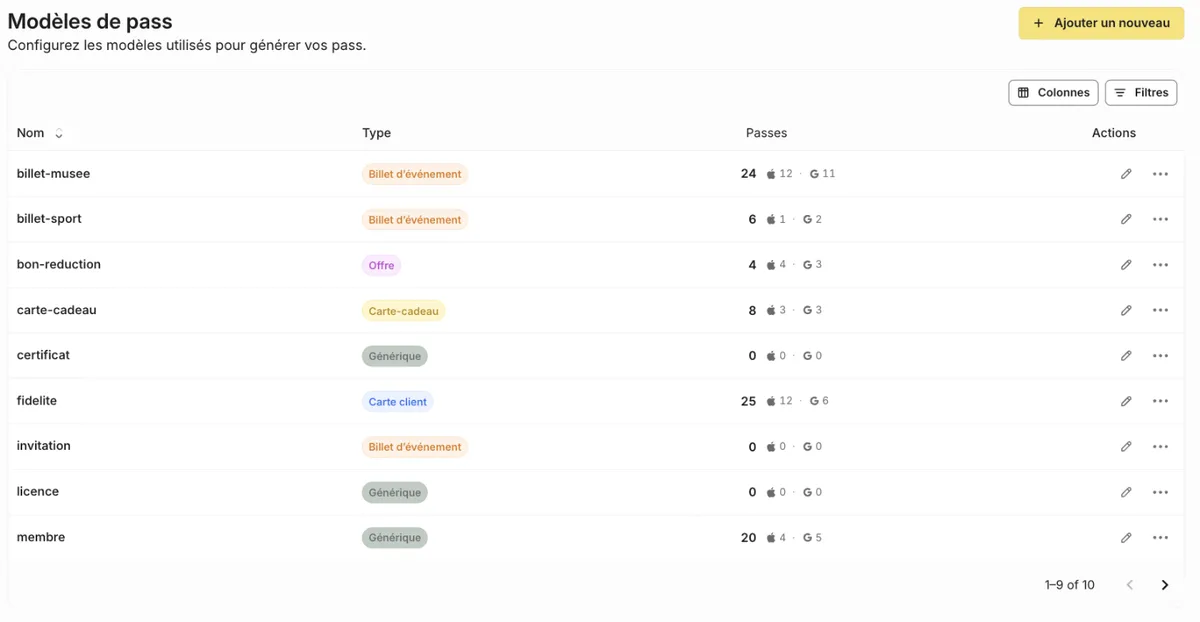
Fewer templates, more passes
What your teams gain from day one.
1 template
for Apple Wallet and Google Wallet, instead of one per platform.
0 duplicates
Advanced dynamic personalization and themes streamline your templates: no more dozens of variants.
1 preview
unmatched, closest to the real rendering on iPhone, Android and Apple Watch.
100%
of Apple Wallet and Google Wallet features, available and always up to date.
All your passes, one pass builder
Your teams design templates, connect them to your data and evolve them, on Apple Wallet and Google Wallet.
Directly on your APIs
The pass reads your data in real time, with no copy or sync: you only send an identifier.
A modern Liquid engine
A single template adapts to each customer: tier, language, ticket type or rewards.
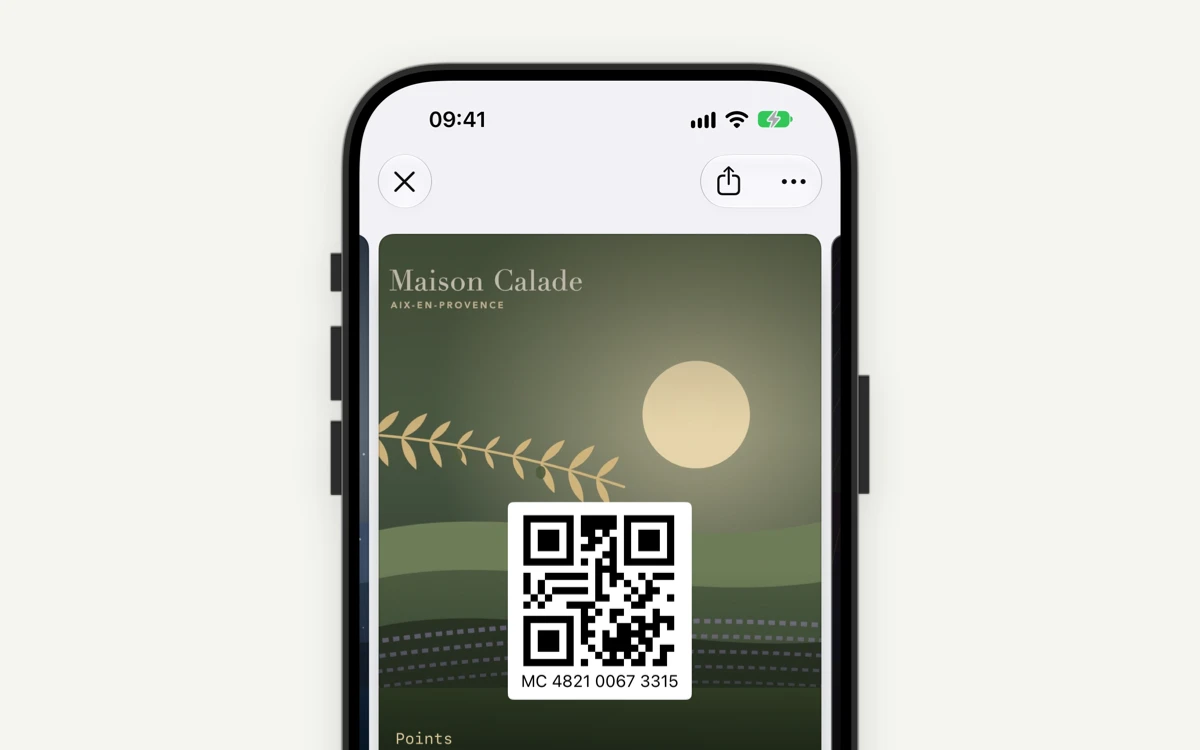
Every Wallet feature
iOS 27 poster format, Google Wallet content, Smart Tap, security and validity: everything is set in the template.
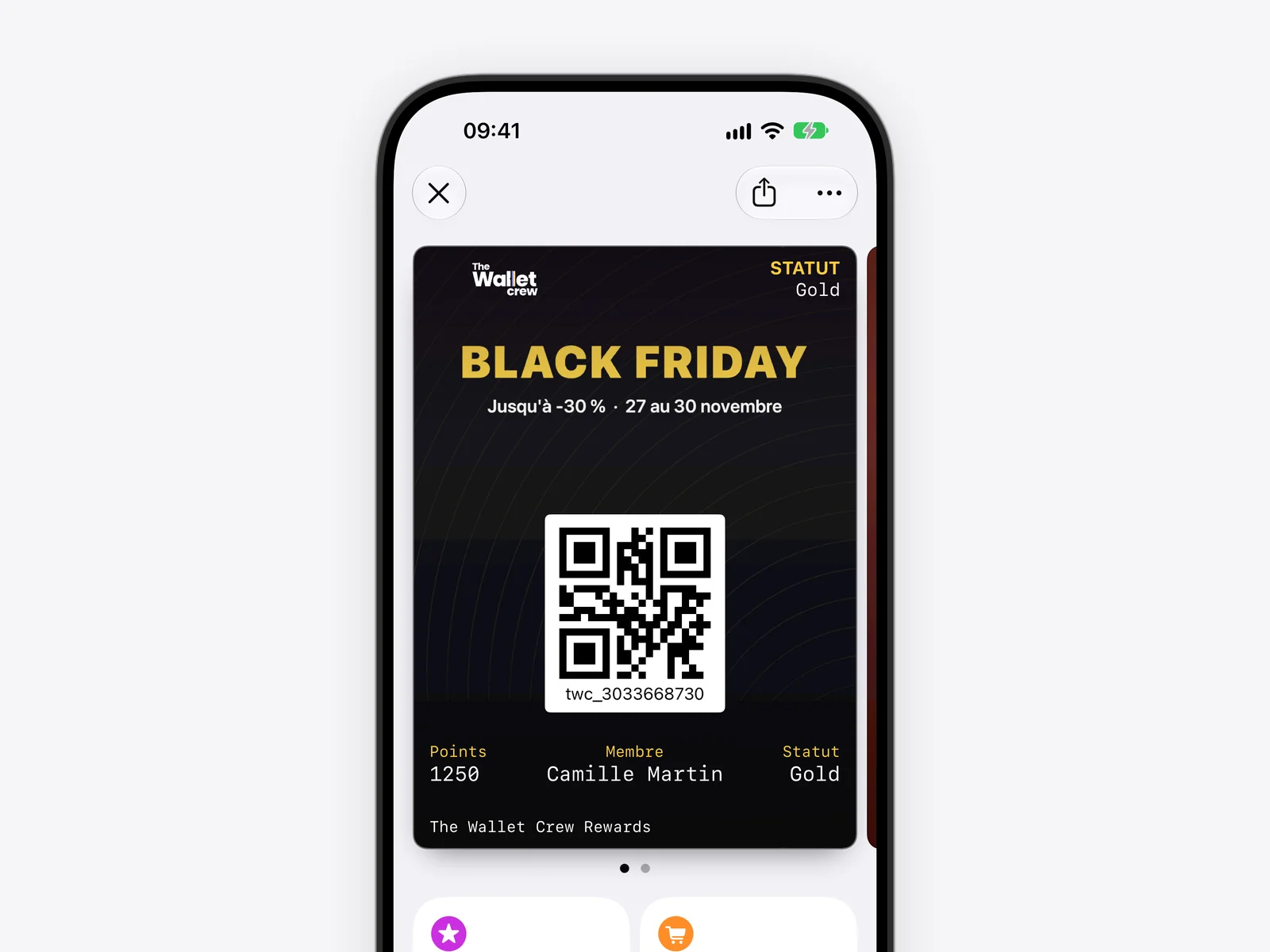
Reusable themes
Colors, images and copy for a season or an event, without rebuilding the pass.
Multilingual
Copy translated per language in the editor, and images per language on Apple Wallet.
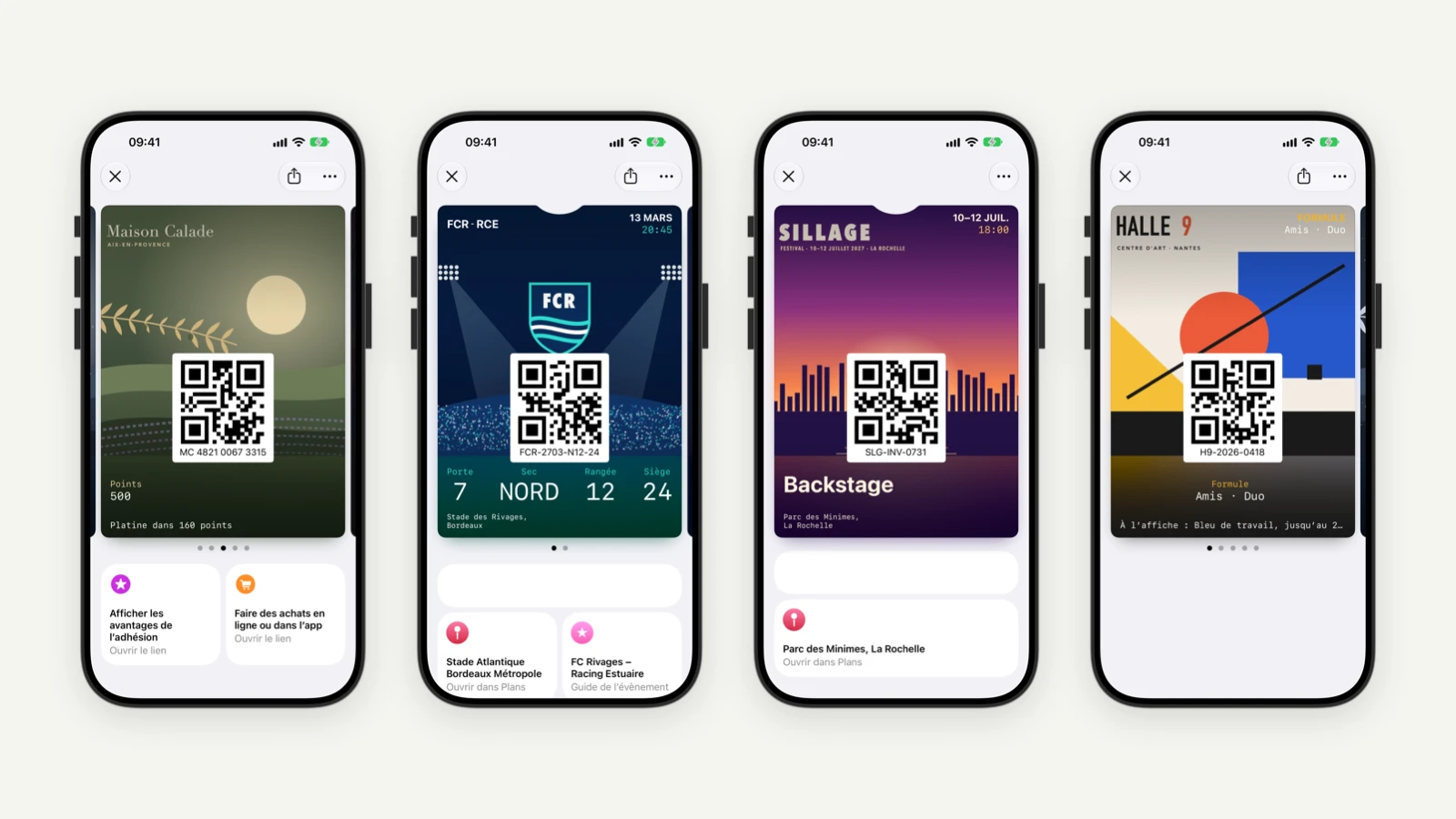
Your brand, your accounts
Apple certificates and the Google issuer account stay in your brand's name.
Your template ready from a PDF
Set up your passes in our back office, or let your favorite AI assistants do the work: Wallet configuration becomes simple.
A visual pass editor
Colors, images, front and back fields, Apple and Google rules: every element is set with an instant preview, without knowing the Wallet specifications.
Import a PDF ticket, your template is ready
Start from a sample ticket, card or coupon in PDF from your AI assistant: the Wallet template is generated for Apple and Google, ready to fine-tune.
A universal pass preview, as close to real as it gets
One template for two Wallets, and the most faithful preview possible on every device, before you send the first pass.
Apple Wallet
Classic and Poster formats, exactly as your customers will see them.
Google Wallet
The Google Wallet rendering, from the same template.
Apple Watch
The pass as it appears on the wrist.
The same preview
In the back office, the template gallery and your download pages.
The template designer inside your tools
Software vendors and platforms: embed our template designer in your product, and use our APIs to manage passes and send push notifications.
An open Wallet pass platform, built for your tech stack
REST API and webhooks
Create, update and track your passes from your own systems.
Bulk updates
Batch API, CSV or SFTP imports for large volumes.
Dynamic content
Liquid variables to personalize every pass with customer data.
Secure links
Signed, time-limited or single-use links.
Isolated environments
A separate tenant per brand or country, with its own settings.
Migration without reinstall
Take over passes already installed with another provider, subject to technical conditions.
Wallet pass creation FAQ
How many templates do you need?
One per use case, for both Apple Wallet and Google Wallet. Dynamic personalization with the Liquid engine adapts the pass to each customer: tier, language, ticket type or rewards.
Can you create a template from an existing ticket?
Yes. From your AI assistant, import a sample ticket, card or coupon in PDF: the Wallet template is generated for Apple and Google, ready to fine-tune in the back office.
Which types of passes can you create?
Loyalty cards (points or stamps), event tickets, gift cards, coupons and generic passes, for Apple Wallet and Google Wallet.
Do you need to build a mobile app?
No. Passes are added directly to Apple Wallet and Google Wallet, already on your customers' smartphones.
How are passes updated?
Your CRM remains the source of truth. The update is triggered by the API or a connector, then the phone fetches the new pass data.
How do you track a specific pass?
Search for it in the back office by ID, external ID, template or data. Its record shows its content, event and notification history, and its installation on Apple Wallet and Google Wallet.
Can you migrate existing passes from another provider?
Yes. On Apple, installed passes are kept if the Pass Type ID and signing identity stay the same. On Google, you keep the same issuer account and object IDs.
Are passes multilingual?
Yes. Copy is translated per language in the editor. Apple Wallet also accepts images per language; Google Wallet uses the default image.
Explore more
Enrolment & distribution
Get your passes added on every channel.
Engagement & push notifications
Push notifications, rewards and tracking.
Digital loyalty card
Points, tier and rewards up to date in the Wallet.
Digital ticket
From ticket to on-site experience.
Ready to board?
Tell us about your Wallet project and see the platform in a demo.