

Get your passes added to Apple Wallet and Google Wallet, and acquire new customers
In bulk or on the fly, on every channel: email, SMS, QR code, website, app or directly in Google Wallet. Every installed pass is a reachable customer, and every step is measured.
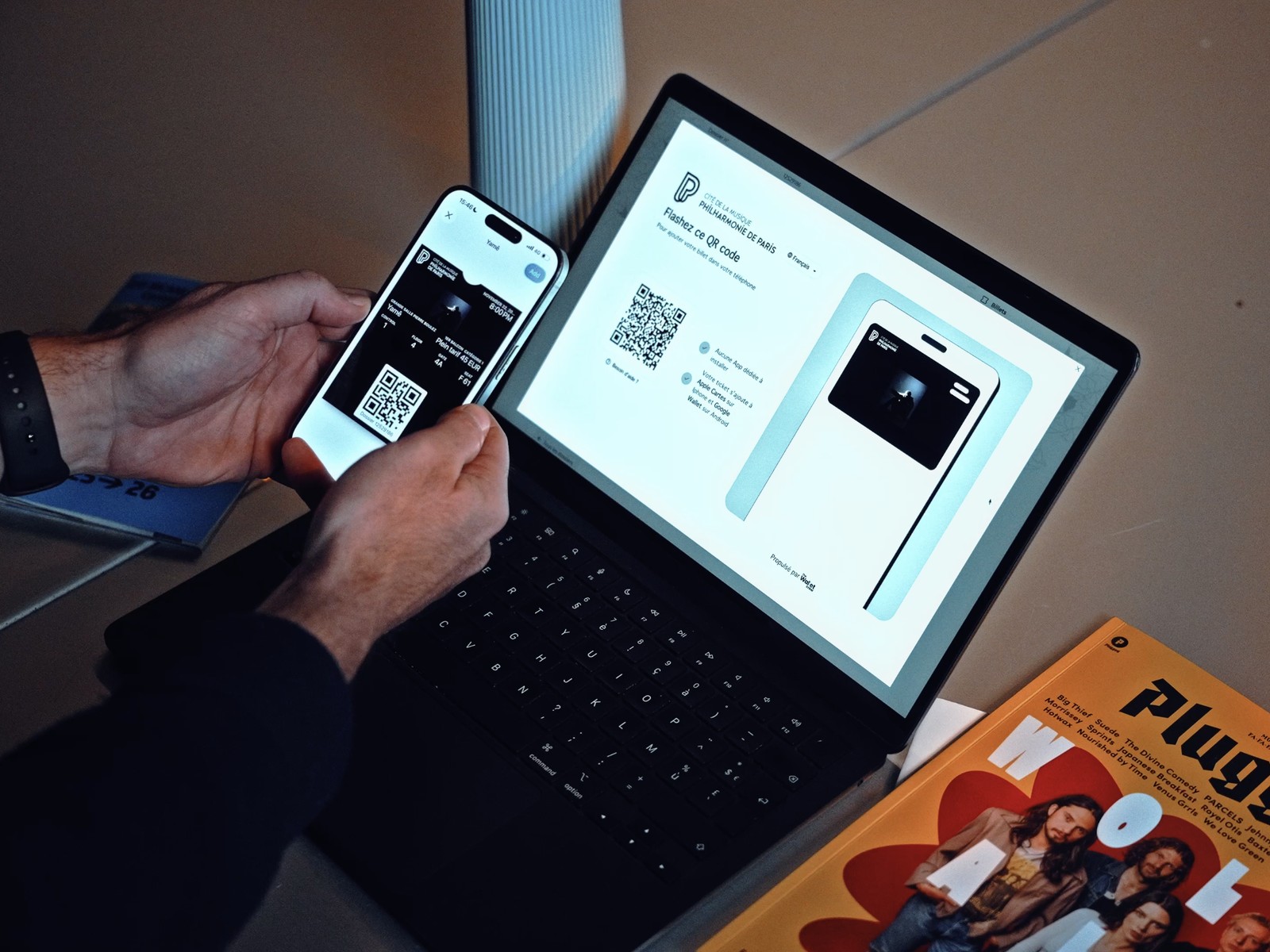
More passes installed, more customers acquired
Averages and results observed across our customers.
3x
more sign-ups than traditional in-store methods, with better-quality data.
Up to 70%
of customers add their card to the Wallet when signing up, in store or online.
Up to 90%
conversion when Add to Wallet is built into the journey, with no redirect to an external page.
New customers
Visitors, guests, gift card recipients and unknown holders become identified, reachable contacts.
Every channel, in bulk or on the fly
Onboard your customer base, launch a campaign or offer the pass at the right moment of the journey: every channel leads to the right pass, no app to install.
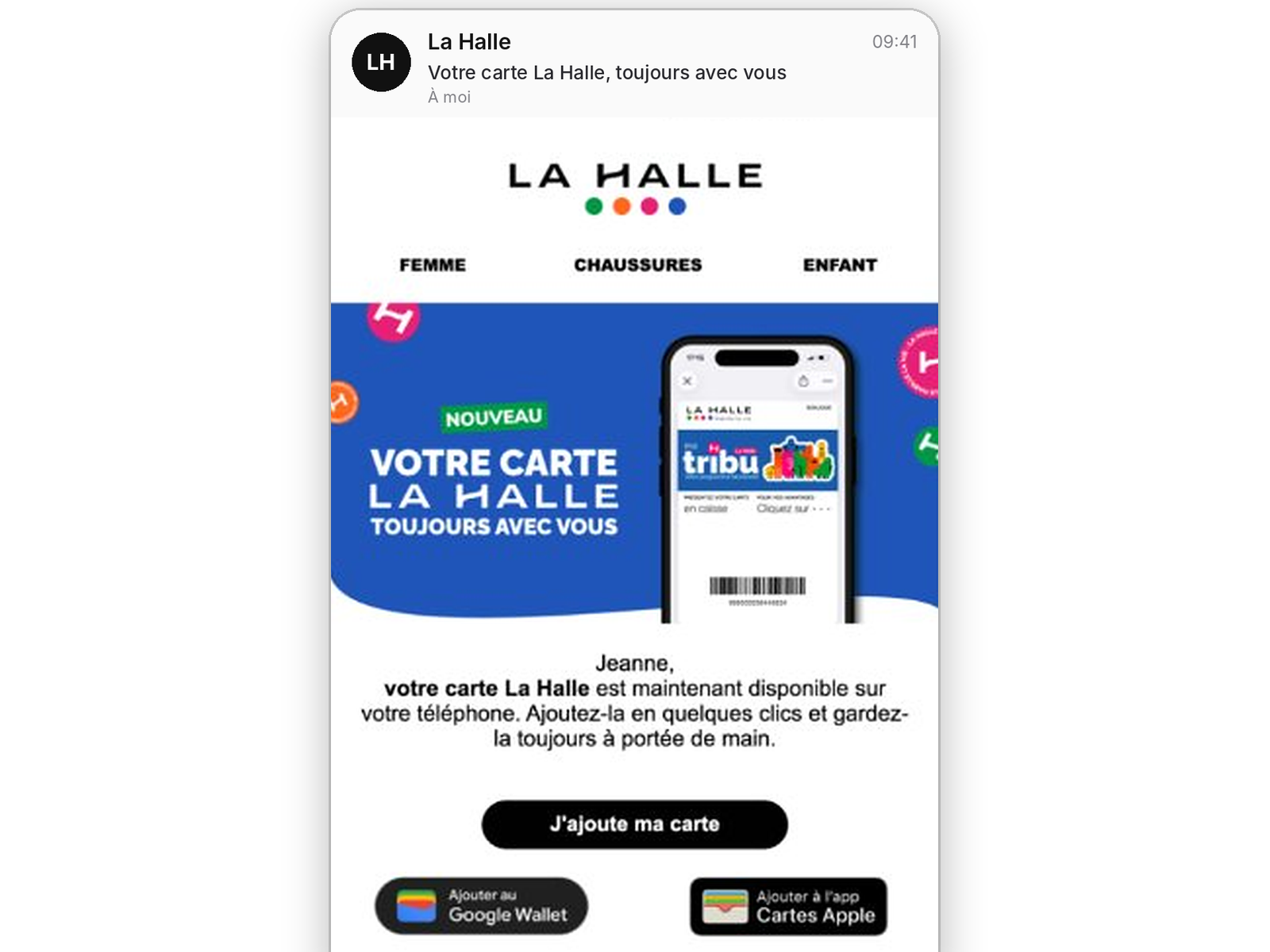
SMS, RCS, WhatsApp and email
Send or share the pass where your customers read their messages.
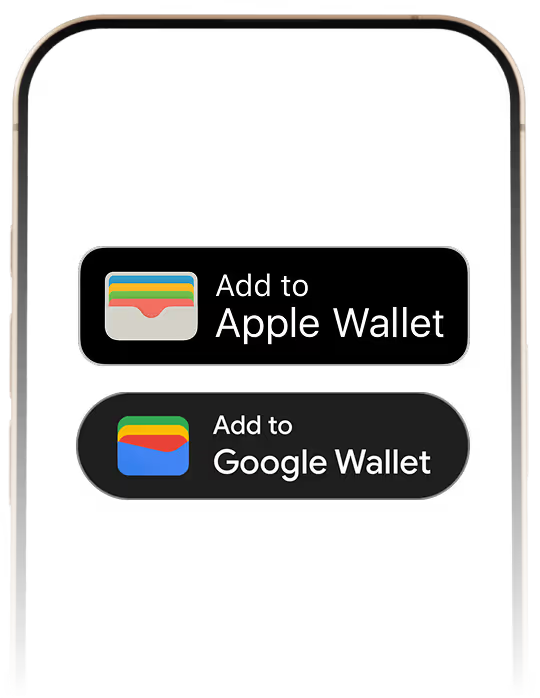
The "Add to Wallet" button
In your customer account, order confirmation or online store.
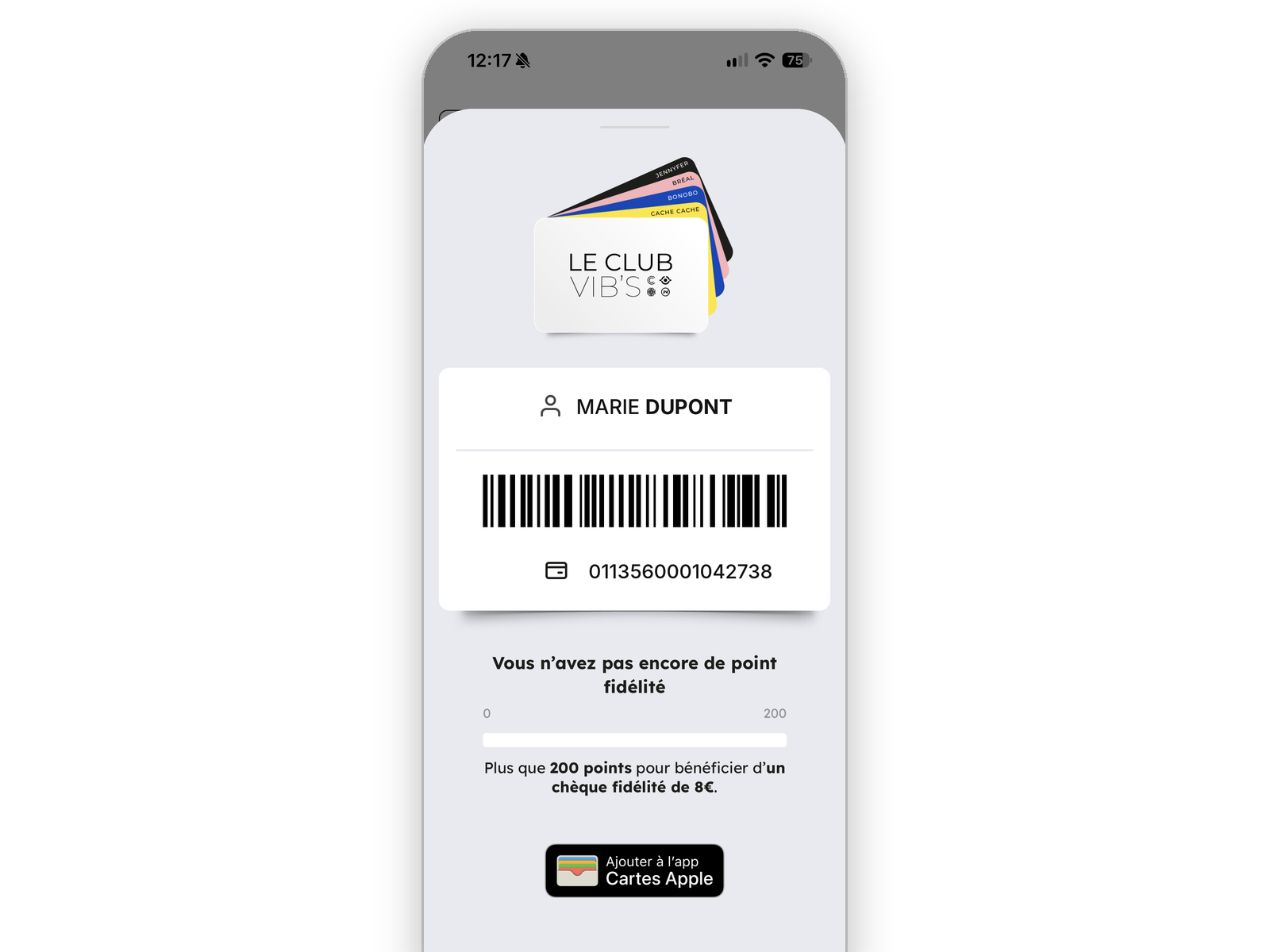
In your mobile app
Your app triggers the pass, the customer confirms in one tap.

QR code and clienteling tablet
The customer scans a QR code or signs up on the sales associate's tablet, and leaves with their pass.
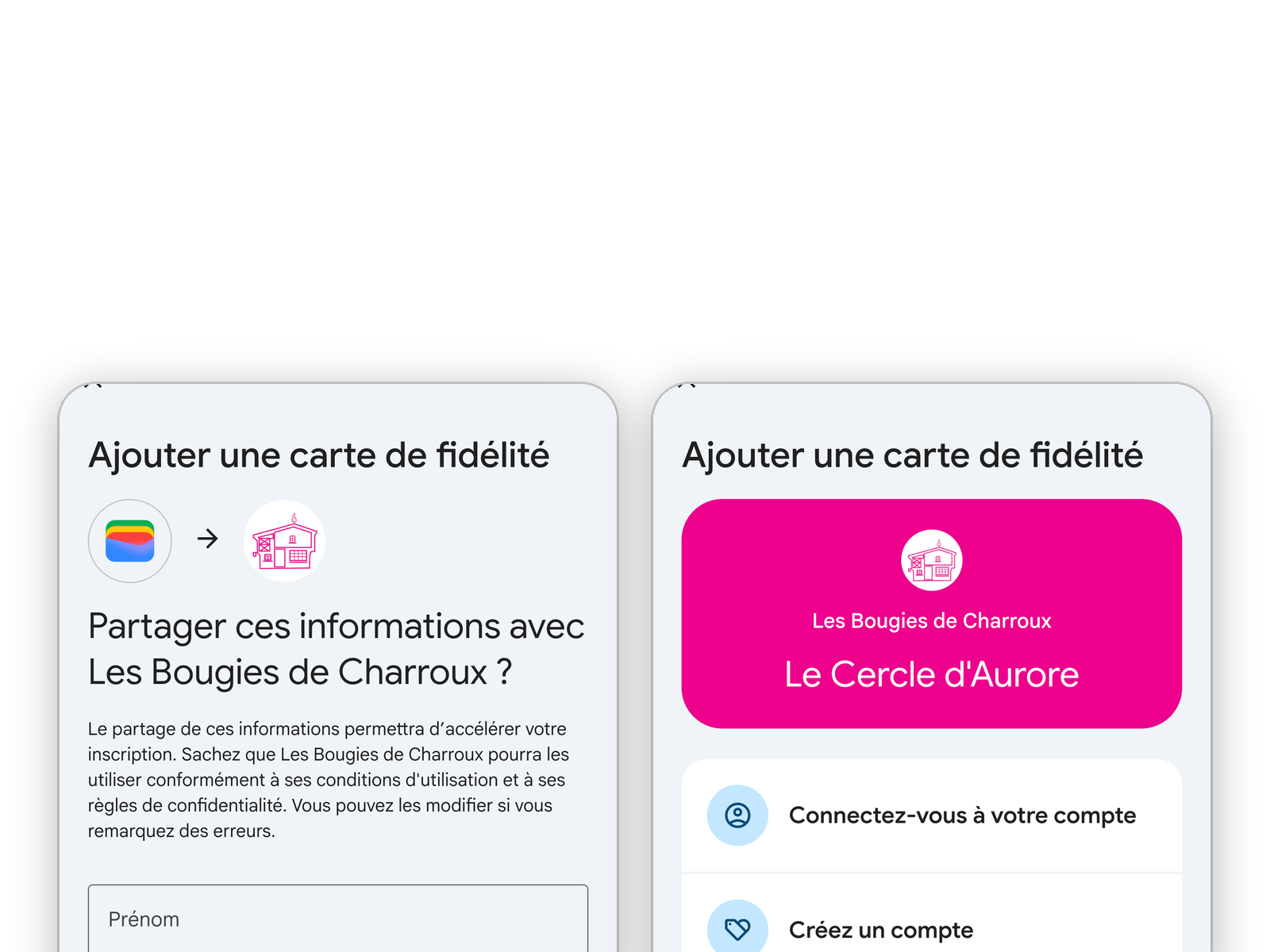
Sign-up inside the Google Wallet app
Customers join your program from the Google Wallet app, whether or not they already have an account with you.
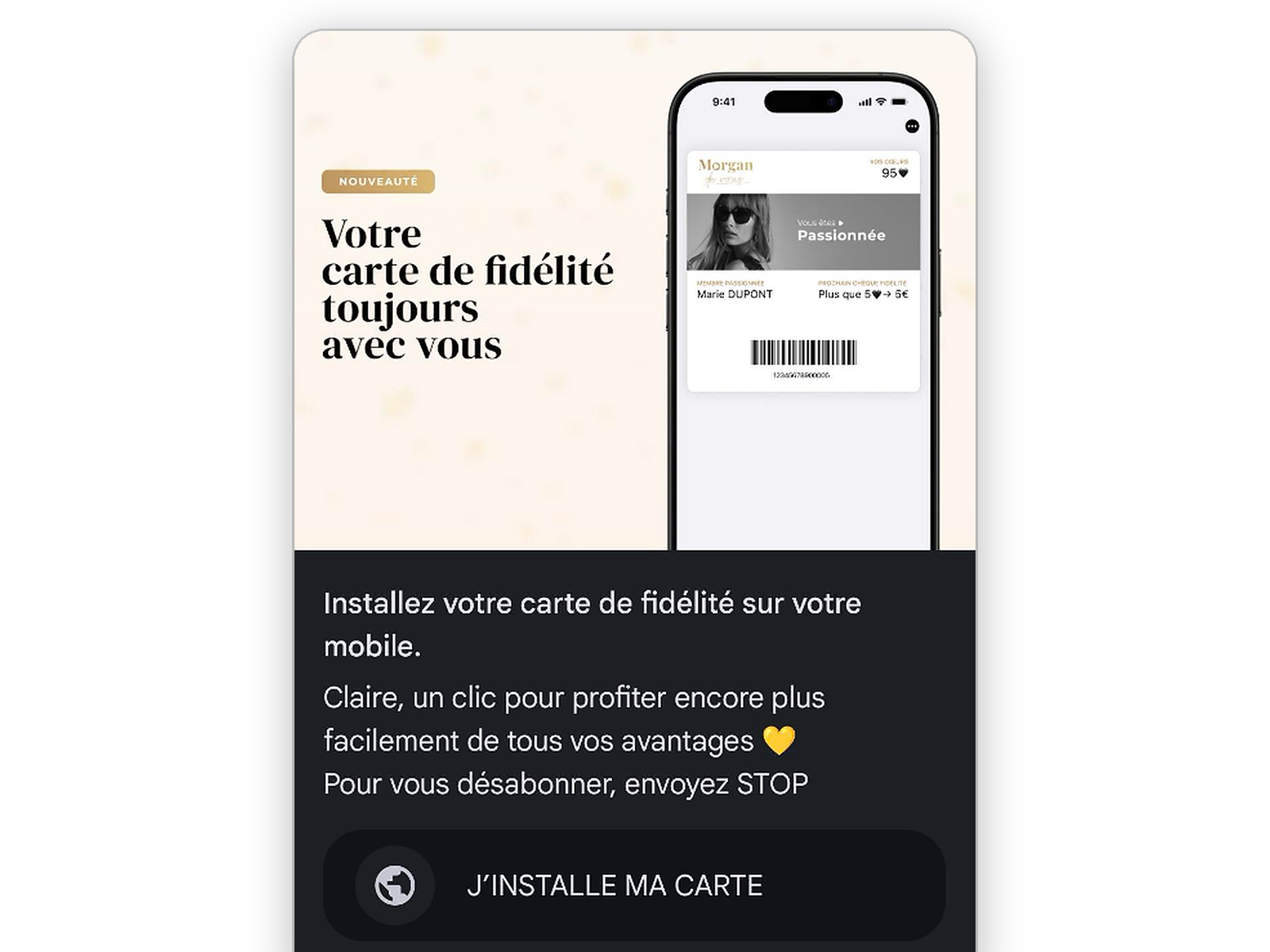
Bulk enrolment
Via CSV file, API or SFTP: one personal link per customer, for launch and every campaign.
Built into the journey, up to 90% conversion
Conversion is highest when Add to Wallet appears exactly when the customer needs it, inside your journey, with no redirect to an external page. Two ways to get there, and both are fully measured.
In your own screens
The "Add to Wallet" button fits into your website and app, without going through our pages: the experience stays 100% on-brand. The SDK detects the device and offers the right Wallet.
Ready-made single and multi-pass pages
Our branded pages show one pass or a whole list, such as every ticket in an order. Built-in: the right Wallet per device, QR code on desktop, pass transfer, authentication in the link.
Sign-up forms that acquire customers
The form creates the pass at sign-up, recognizes known customers and captures data on people not yet in your database: non-buying visitors arriving via a shared link, gift card recipients, holders other than the buyer.
Form designer
Multilingual, conditional fields and on-brand design, to collect exactly the data you need.
Existing customers recognized
Identification by email or customer number: customers find their account, with no duplicates in your CRM.
Invitations and referrals
A customer shares their link: the guest signs up, and the referrer or source appears on their pass and in your CRM.
Social login
Quick sign-up with Apple, Google or Line, without retyping details.
Built-in consent
GDPR and CCPA consent collected clearly and traceably, then sent to your CRM.
Instant pass
The pass is generated and offered as soon as the form is submitted, on the right Wallet.
Secure end to end
Every pass reaches its rightful holder, and you decide who can install it.
Retrieve a pass by SMS
The customer sends an SMS, or scans a QR code that sends it for them. Their number is recognized and the pass is sent back, with no password or email to dig up.
Verified holder
The pass is only delivered to the account holder, never to a third party, to prevent identity theft.
One pass, one holder
A pass already tied to a holder cannot be reinstalled by someone else.
Multi-holder pass
Conversely, a family loyalty card can be installed by several holders.
Pass transfer
A ticket or gift card moves to another person, who becomes its holder.
Sharing rules per Wallet
Sharing from Apple Wallet or Google Wallet is allowed or blocked, based on your rules.
Secure identifiers in every link
An opaque, unguessable internal ID, or a customer ID protected by HMAC-SHA256 signature, shared secret token or JWT. Single-use or time-limited links, down to QR codes and NFC tags: without a valid token, an ID in a URL grants access to nothing.
The best of both worlds, physical and Wallet
A printed invitation, gift card or ticket carries an NFC tag or QR code: one tap, and the object opens its digital version, ready to join the Wallet.
Whatever the channel, everything is measured
Clicks, QR code scans, sources and UTMs, account creations and pass downloads, channel by channel. Events flow into your tools via webhook and the MCP server.
Open links and building blocks for every journey
Direct or universal links
The pass directly as an Apple Wallet (.pkpass) or Google Wallet link, or a universal link that shows the right button per device.
Variables and short links
Referrer, source or campaign passed from share to pass. URL shortening for SMS and QR codes.
Secure links
HMAC-SHA256 signature with two active secrets, single-use or time-limited links.
Web SDK
JavaScript snippet or npm package, framework-agnostic.
Native apps
Apple Wallet file or Google Wallet link returned by your server to your app.
Install webhooks
Install and uninstall events sent to your tools.
Add to Apple Wallet and Google Wallet FAQ
How does a customer retrieve their pass?
They send an SMS, or scan a QR code that sends the SMS automatically. Their number is matched in your database and the pass is sent back, only if they are the holder. They can also enter their email. No digging through messages or resetting passwords.
Can you acquire people who are not in your database?
Yes. The enrolment form captures data from non-buying visitors arriving via a shared link, gift card recipients or holders other than the buyer, with their consent.
Does the customer need to install an app?
No. The pass is added to Apple Wallet on iPhone or Google Wallet on Android, already on the phone.
What happens if the link is opened on a computer?
The download page shows a QR code. The customer scans it with their phone to add the pass.
Can you send several passes in one link?
Yes. A list page shows every pass linked to a customer or an order, such as all tickets in an order, with an "Add all" button.
How do you offer the pass to your whole customer base?
Bulk enrolment via CSV file, API or SFTP generates one download link per customer, to send by email or SMS.
How do you secure links sent by email?
Use the pass ID, a customer ID signed with HMAC-SHA256 or a token generated by your server. Never put personal data in the URL.
How do you measure each channel's performance?
Add a source parameter to your links. Installs are then reported by medium, tag and referring page. Apple counts installs per device, Google per account.
Explore more
Template designer & pass
A visual pass editor for Apple Wallet and Google Wallet.
Engagement & push notifications
Push notifications, rewards and tracking.
Digital loyalty card
Points, tier and rewards up to date in the Wallet.
Digital gift card
Live balance and automatic expiry.
Ready to board?
Tell us about your Wallet project and see the platform in a demo.