

Scan Apple Wallet and Google Wallet passes at checkout and for access control
Loyalty card, ticket, invitation or gift card: the customer shows their phone, your staff scans it with the Pass Scanner app or your POS. Customer recognized, reward applied, entry validated.
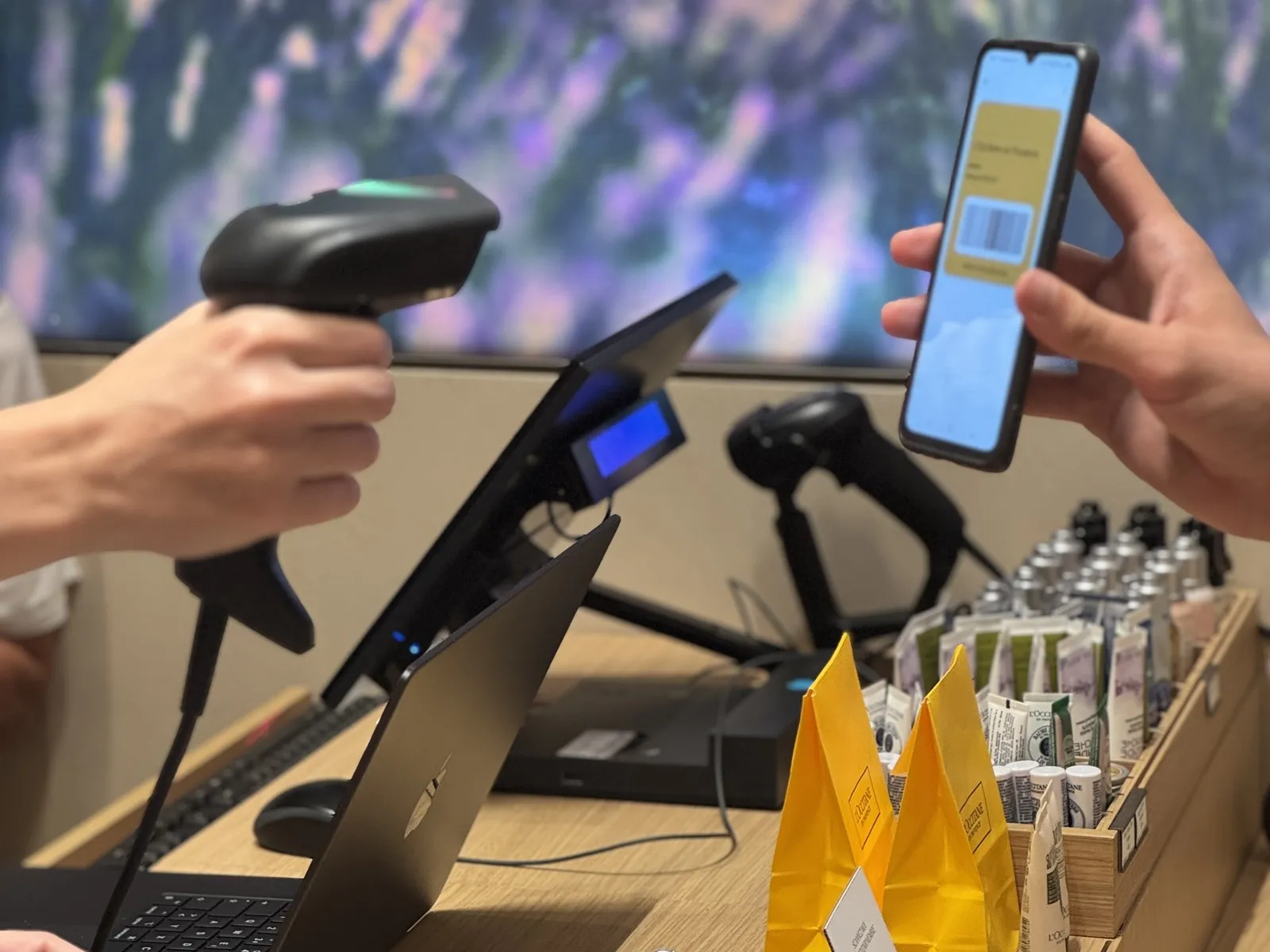
Faster for your teams, simpler for your customers
What scanning changes for your teams and your customers.
Smoother checkout
The customer shows their phone, your team scans: less typing and handling at the till.
Faster entry
One scan to validate tickets and invitations at the door.
Less fraud
Status checked at every scan, single use enforced, one pass per holder.
One tap
for the customer: they show their phone, no plastic card or number to read out.
One scan, and it's done
No more forgotten plastic cards, numbers to read out or emails to find: the pass is already on the customer's phone.
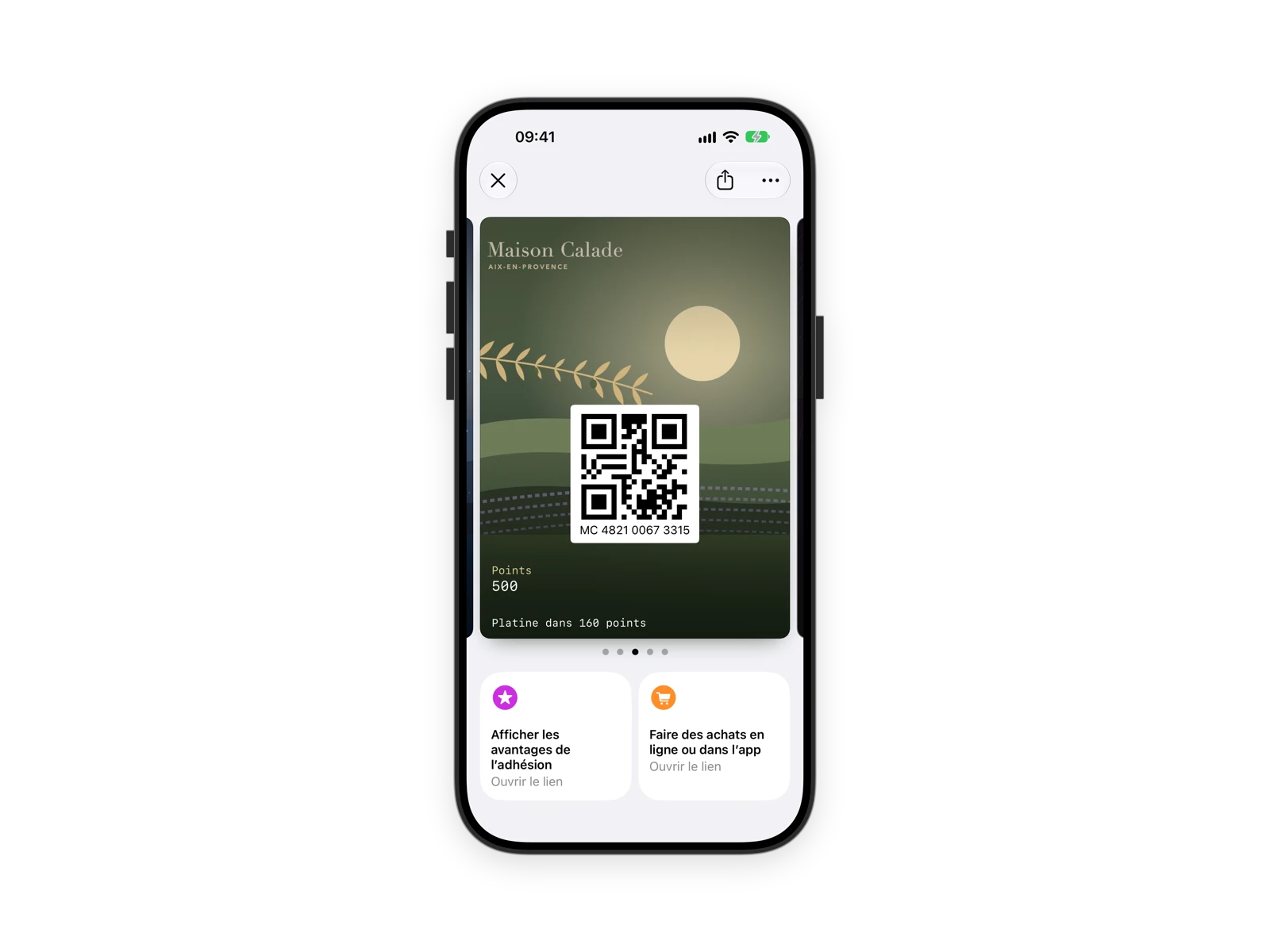
Customer recognized
Their loyalty card is scanned: your staff identifies them and sees their rewards in one tap.
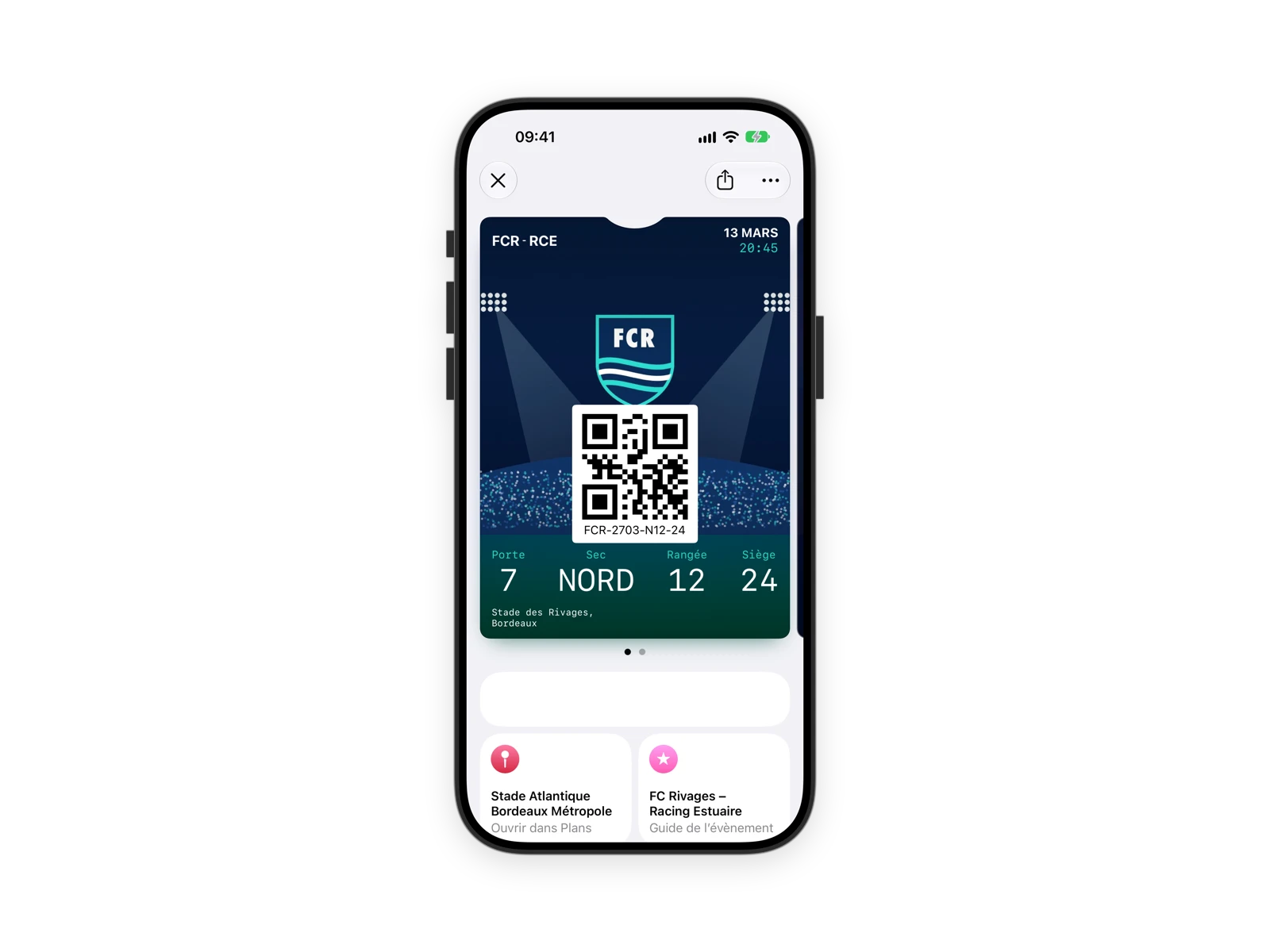
Access control
Tickets, invitations and memberships validated at the entrance of a venue, trade show or event.
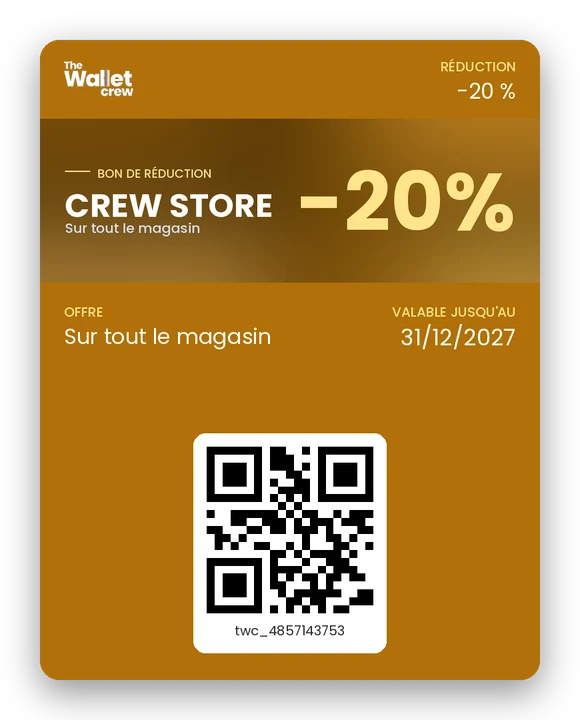
Reward redemption
Offer, service or perk redeemed in one tap, and deducted automatically.
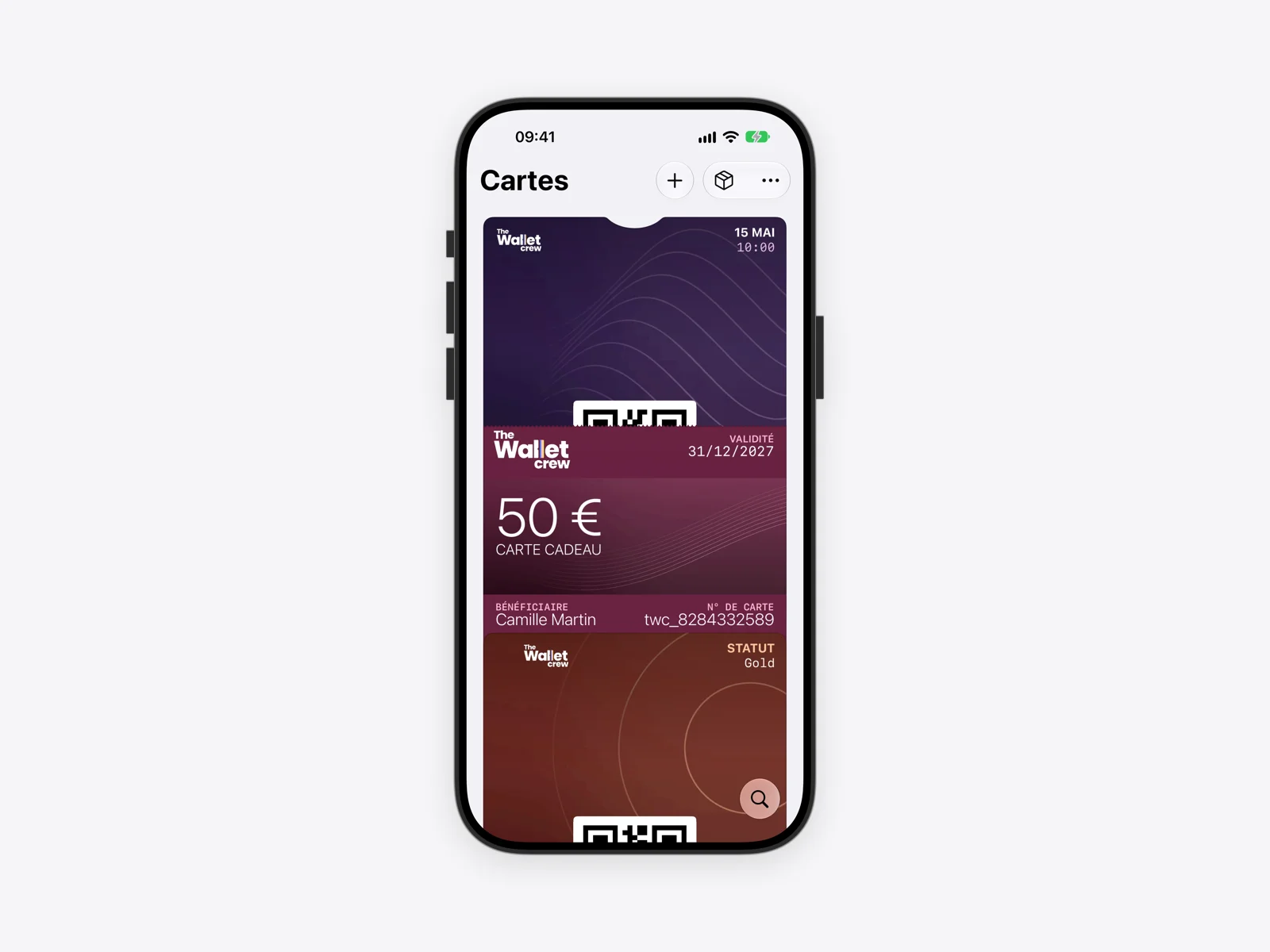
One pass scanner app
Loyalty cards, tickets, invitations, memberships and gift cards, on Apple Wallet and Google Wallet.
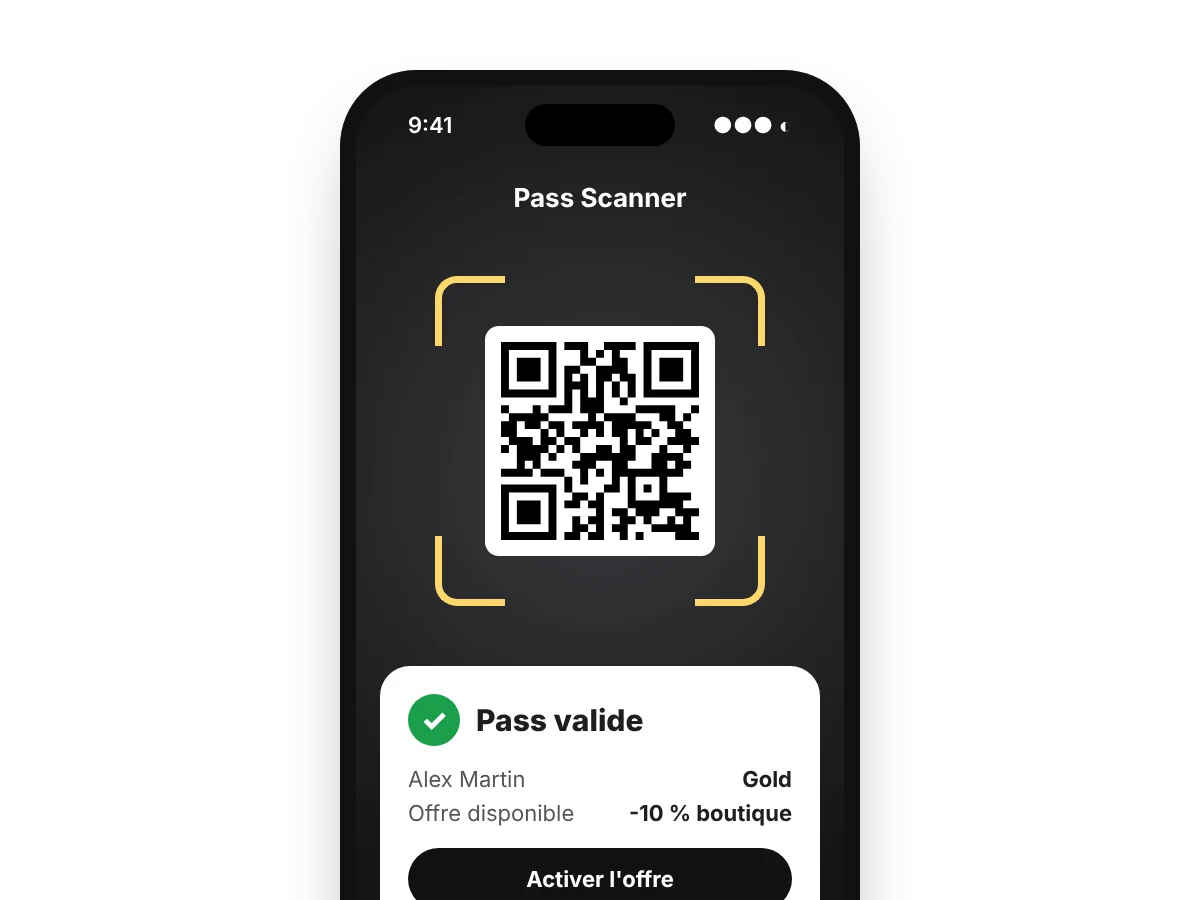
Even outside your systems
Your partners scan and apply your rewards, without access to your IT systems.
Every visit counts
Scans and redeemed offers are reported in real time, available from the MCP server to combine with your sales.
Up and running in four steps
No special hardware: your teams' smartphones and tablets are enough.
Set up rewards
Offers, services and access linked to your passes, in the back office.
Connect your teams
They install the app and sign in by scanning a QR code, with no account to create.
Scan on site
At checkout, at the entrance or at the counter, from a smartphone or tablet.
Track usage
Every scan and every redeemed reward is reported in real time.
Less fraud, without slowing the line
The scan validates the pass the moment it is presented.
Verified status
Clear statuses and history at every scan: pass valid or not, reward available or already used.
Single use enforced
A single-use offer cannot be redeemed twice.
One pass, one holder
A pass tied to its holder cannot be reinstalled by someone else.
Always up to date
The pass shows your systems' data in real time, not an outdated copy.
QR code, NFC and compatible hardware
Scan with the Pass Scanner app, contactless, or with the hardware you already have.
The iOS and Android app
On the App Store and Google Play, for the smartphones and tablets you already own. Quick sign-in by QR code (Easy Connect), no account needed.
NFC pass reading
The customer taps their phone, just like a payment: Apple VAS for Apple Wallet, Smart Tap for Google Wallet, for checkout identification and access control.
Compatible terminals and readers
Zebra terminals, Dot Origin NFC readers, POS and access control scanners: Wallet passes also work with your existing equipment.
Pass Scanner FAQ
Do you need special hardware to scan Wallet passes?
No. The Pass Scanner app runs on the iOS and Android smartphones and tablets your teams already have. Passes also work with POS systems and access control scanners.
How do you connect a new team member?
They install the app and scan a sign-in QR code (Easy Connect). They access your environment with no account to create.
Which passes can you scan?
Loyalty cards, tickets, invitations, memberships and gift cards, on Apple Wallet and Google Wallet, by QR code or NFC.
How is a reward redeemed in store?
The customer shows their pass. Your staff scans it with Pass Scanner or your POS software, and the redemption is recorded. One pass can carry several active rewards at once.
Can partners scan our passes?
Yes. Pass Scanner works at all your touchpoints, including partners with no access to your IT systems.
Are scans tracked?
Yes. Scans and redeemed rewards are reported in real time in The Wallet Crew, and available from the MCP server to combine with your CRM and sales data.
Which hardware is compatible?
The Pass Scanner app on iOS and Android smartphones and tablets, Zebra terminals, Dot Origin NFC readers, plus POS systems and access control scanners. Reading works by QR code or NFC (Apple VAS and Google Smart Tap).
Explore more
Engagement & push notifications
Push notifications, rewards and tracking.
Enrolment & distribution
Get your passes added on every channel.
Digital ticket
From ticket to on-site experience.
Digital loyalty card
Customer recognized in store.
Ready to board?
Tell us about your Wallet project and see the platform in a demo.