Enrol and distribute your Wallet passes everywhere, with less integration.
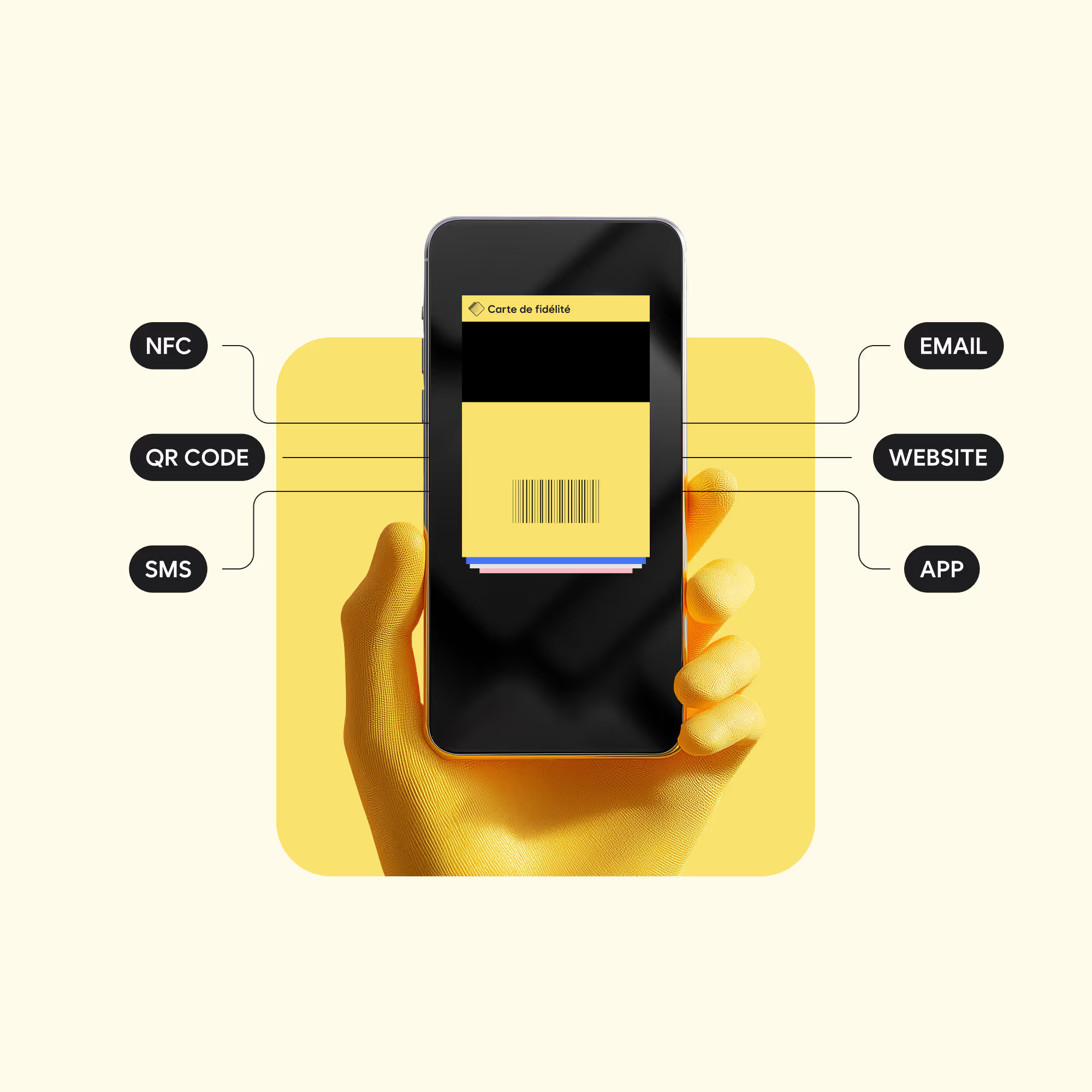
Sign-up form, email, SMS, QR code, website or app: create the pass at the right moment, place the “Add to Wallet” button where your customers are, and track every install.

Four building blocks to bring your customers into Wallet.
Each block works on its own or plugs into your tools. Use the full journey, or only what you need.
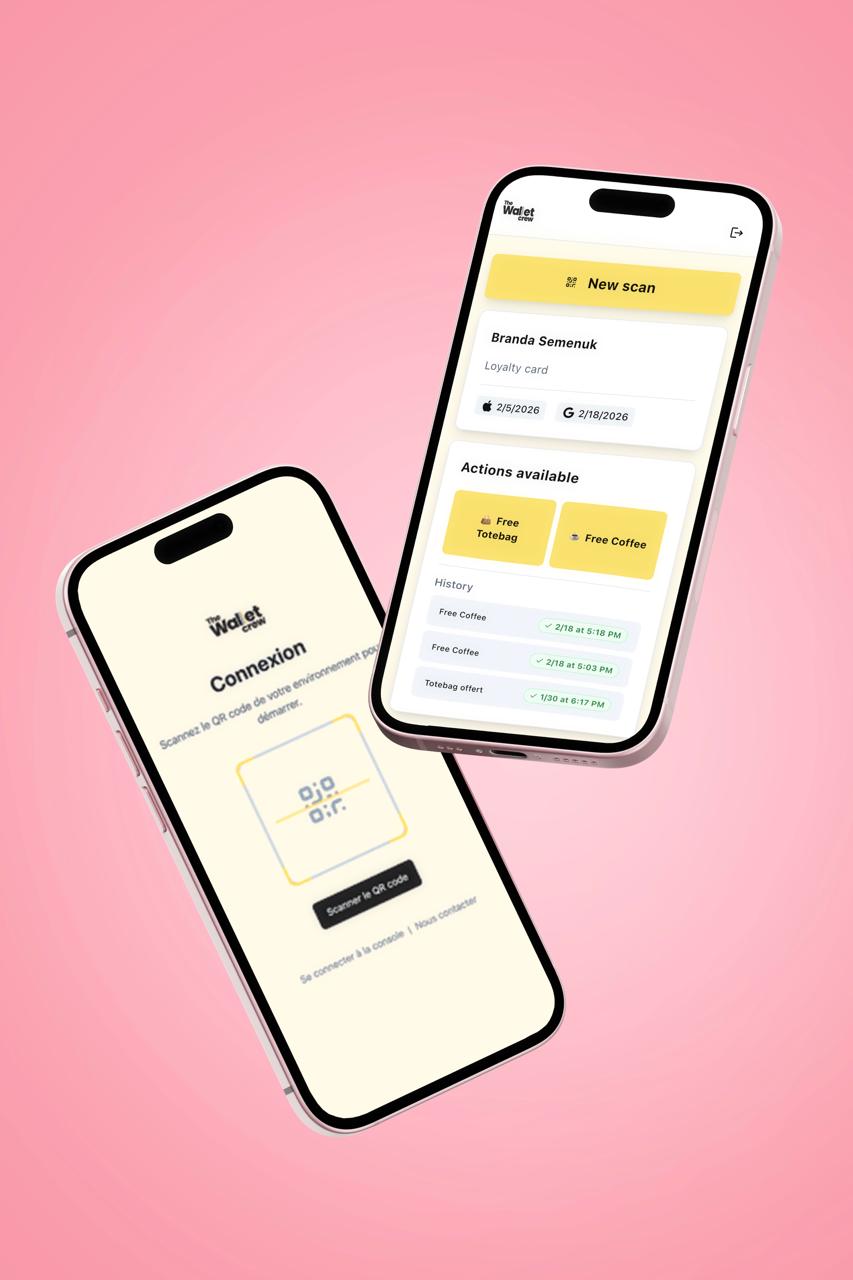
Creates, retrieves or identifies the customer and assigns their pass: new customers, existing members or beneficiaries.
Detects the device and offers the right wallet, for one or several passes, in your brand colours.
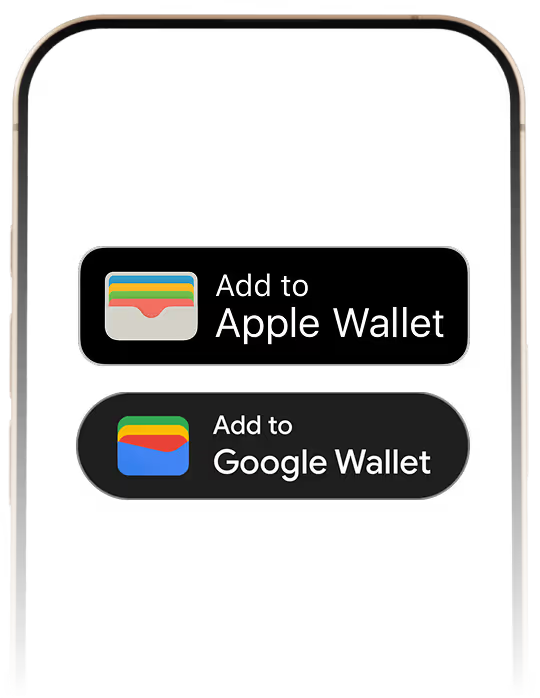
Shows the right “Add to Wallet” button in your website or app and starts the install.
A unique pass, linked to your system by a persistent identifier and kept up to date.
The Distribution module
A pass in the wallet in one tap
Email, SMS, QR code, website, app or form: every channel leads to a branded download page that offers the right wallet for each device.


The right wallet on every device
Apple Wallet on iPhone, Google Wallet on Android, and a QR code to scan from a computer.
One pass or several
A page can show a single pass or a list, such as every ticket in an order, with a button to add them all.
No app to install
Customers add their card to the wallet already on their phone.
Features
Every channel, one platform
Links ready for email, SMS and QR codes
Each link opens the download page of the right pass. Pick the lookup method that matches the data you have.
- Pass ID, or customer ID protected by an HMAC signature
- Authentication token generated by your server, with a validity period
- Single-use or time-limited links and QR codes
- Translated pages styled with your brand
The “Add to Wallet” button on your website
The web SDK shows the button in your customer account, order confirmation or online store. It detects the device: Apple Wallet on iOS, Google Wallet on Android, hosted page or QR code on desktop. No framework required.
Inside your mobile app
Your server finds the pass and returns the Apple Wallet file or the Google Wallet link. The app triggers the add and the customer confirms it. Your API keys stay on the server.
Sign-ups and bulk sends
A sign-up form creates the pass at registration and collects consent. For an existing customer base, bulk enrolment by CSV file, API or SFTP generates one download link per customer.
Measure every entry point
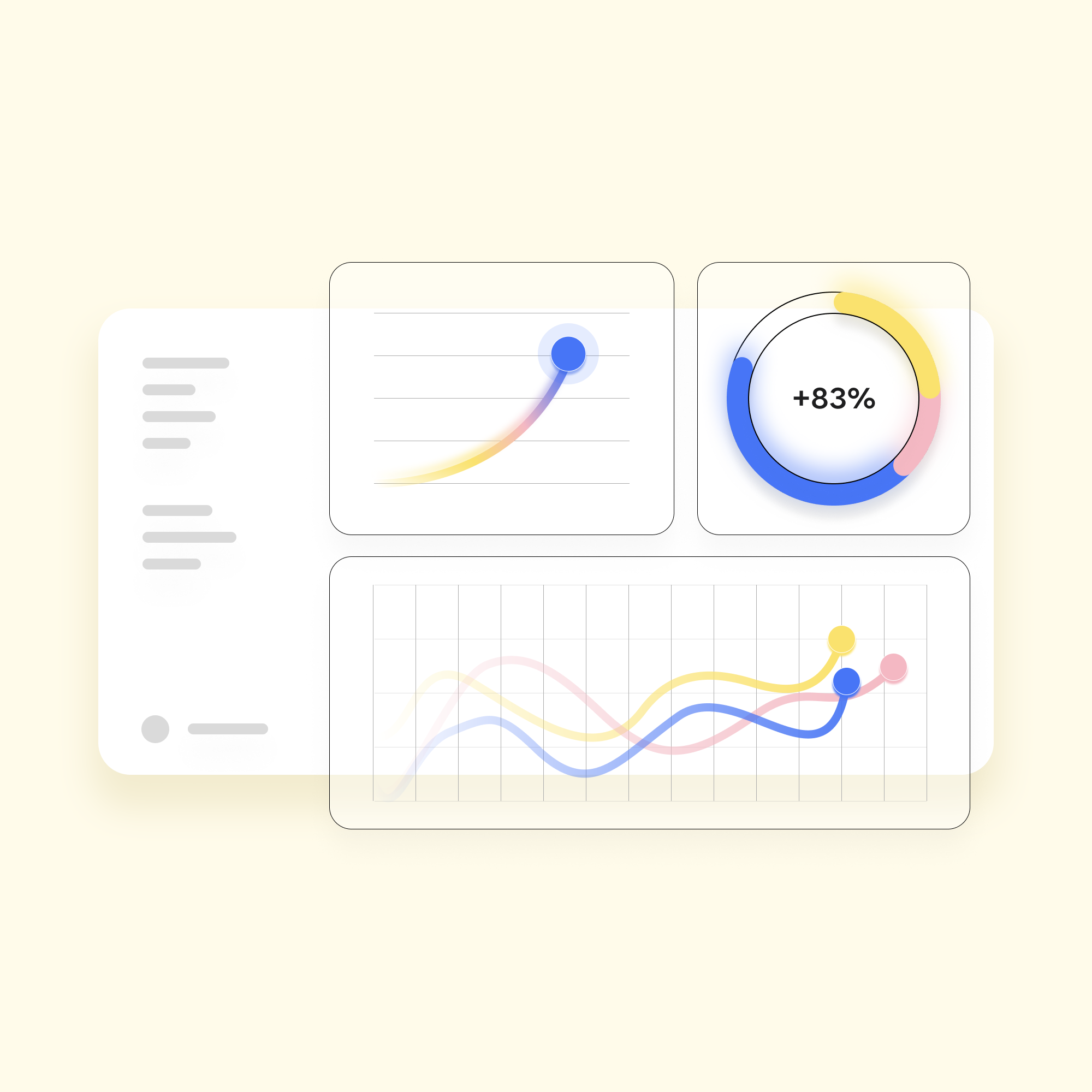
Add a source parameter to your links to track installs by medium, tag or referring page, along with scans of each QR code. Install events can also flow into your tools through webhooks.


The pass, created at sign-up.
The form collects the data you need, recognises known customers and adds the card to Wallet on submit.
Form designer
Multilingual, conditional fields, designed to your brand.
Existing customers recognised
Identification by email or customer number, with no duplicates in your CRM.
Social login
Quick sign-up with Apple, Google or Line.
Built-in consent
GDPR and CCPA consent collected clearly and traceably, then sent to your CRM.
In store or online
In-store QR code, sales tablet, email, SMS or website.
Instant Add to Wallet
The card is generated and offered as soon as the form is submitted.
Distribution essentials
Web and mobile SDK
The “Add to Wallet” button built into your websites and apps.
Forms and landing pages
A pass created at sign-up, with consent collected.
Install tracking
Installs by channel, campaign and referring page.
Controlled sharing
A pass reserved for its holder, following each wallet's rules.
Distribution at scale
One link per customer, generated by file, API or SFTP.
Secure links
HMAC signature, time-limited tokens and single-use links.
For technical teams
Open building blocks for every journey
Web SDK
JavaScript snippet or npm package, no framework required.
Download URL
Pass resolved by ID, signed external ID or authentication token.
HMAC-SHA256 signature
Two active secrets to rotate keys without downtime.
Source tracking
One parameter to tag the medium, campaign and origin of each link.
Install webhooks
Install and uninstall events sent to your tools.
Native apps
Apple Wallet file or Google Wallet link returned by your server to your app.
FAQ
Frequently asked questions about pass distribution
Do customers need to install an app?
No. The pass is added to Apple Wallet on iPhone or Google Wallet on Android, both already on the phone.
What happens if the link is opened on a computer?
The download page shows a QR code. The customer scans it with their phone to add the pass.
Can one link deliver several passes?
Yes. A list page shows every pass linked to a customer or an order, with a button to add them all.
How do you secure links sent by email?
Use the pass ID, a customer ID signed with HMAC-SHA256 or a token generated by your server. Do not put personal data in the URL.
How do you measure each channel?
Add a source parameter to your links. Installs are then reported by medium, tag and referring page. Apple counts installs per device, Google per account.
Turn every interaction into a wallet install