Updated October 2, 2026.
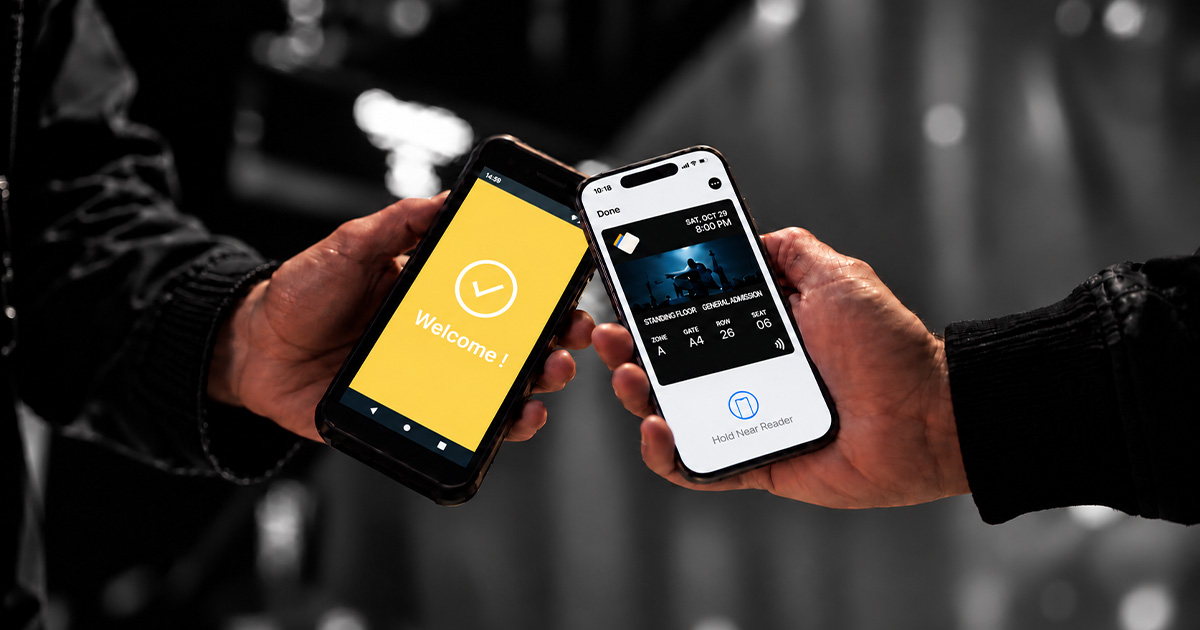
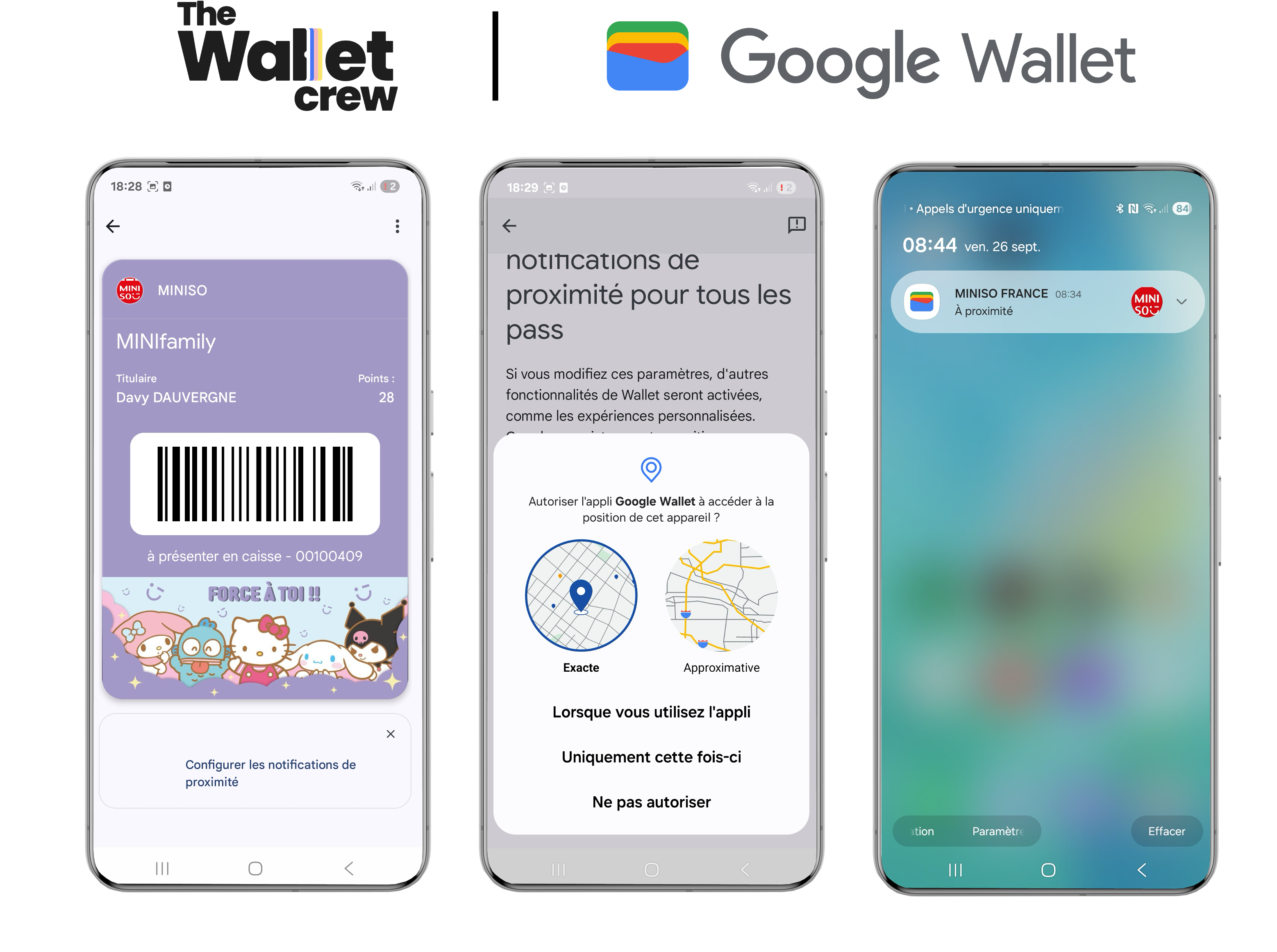
Google Wallet offers Nearby Notifications: when a customer gets close to a location linked to their pass, an alert appears on their Android phone and opens the loyalty card, offer or ticket in one tap. It is the Android counterpart of Apple Wallet's location-based display, and it is live with The Wallet Crew.
How do Google Wallet Nearby Notifications work?
Each pass can store up to 10 locations (stores, concert hall, stadium, airport). When the phone detects that it enters the area of one of these locations, Google Wallet shows a notification. The customer taps it and the pass opens, ready to scan.
The notification is triggered by the phone, not sent by the brand at a set time. The customer must allow location access for Google Wallet. The exact display depends on the Android version and device maker.
Use cases
- Retail: remind customers to show their loyalty card at checkout, flag an available voucher, announce a store opening to nearby customers.
- Events and culture: surface the ticket near the venue, remind customers of their entrance gate.
- Sport and leisure: membership card shown on arrival at the club or stadium.
Setting up Nearby Notifications with The Wallet Crew
- Add your locations: store or venue addresses are entered in the platform, which computes their GPS coordinates.
- Pick each customer's locations: The Wallet Crew keeps their home store plus the 9 closest locations, and updates the list when their store or address changes. For a ticket, it is the event venue.
- Write the message: on the pass template, under 140 characters, translated if needed. The message can depend on the profile, for example showing a voucher reminder only when one is available.
- Test: with a phone near a configured location.
The same setup works for Apple Wallet, which surfaces the pass on the iPhone lock screen. Details are in the geolocated notifications documentation.
Limits to know
- Up to 10 locations per pass, with a radius of up to 300 meters each.
- No "customer entered the store" data is sent back: the brand does not know who saw the notification.
- Personalized text for brand-sent Google Wallet notifications is in development at The Wallet Crew.
Why it matters
The right pass shows up in the right place, without customers searching their phone for it. The result: more cards shown at checkout and smoother entry. To compare with Apple Wallet and see other triggers, read our complete guide to wallet notifications, or explore The Wallet Crew notifications platform.