
Updated October 2, 2026.
Wallet notifications let a brand put a message straight on a customer's lock screen, with no app to install: the loyalty card, ticket or coupon just needs to be saved in Apple Wallet or Google Wallet. This guide explains how wallet pass notifications work on each platform, what can trigger them, which limits apply and how to write messages people actually read.
What is a wallet notification?
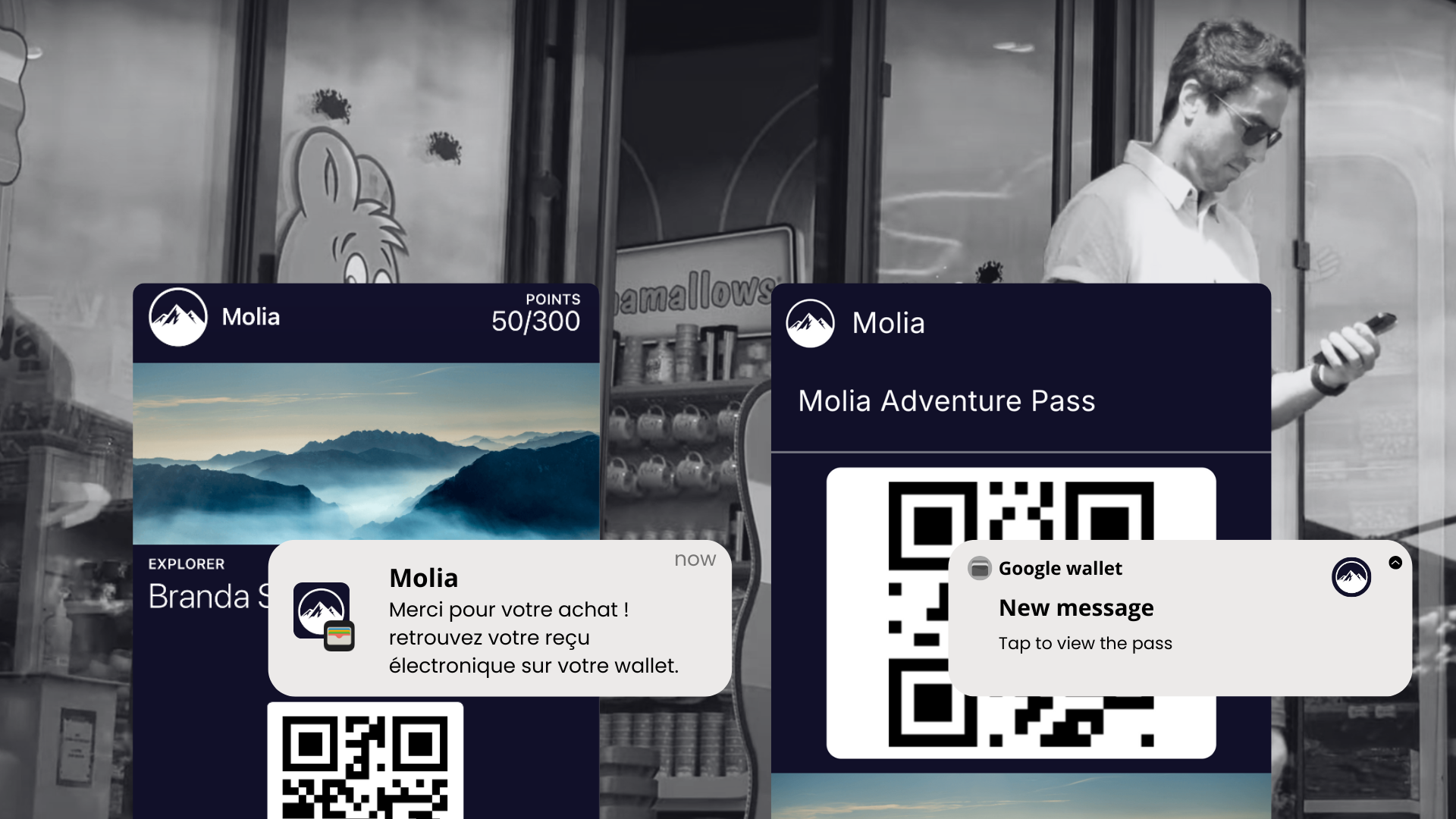
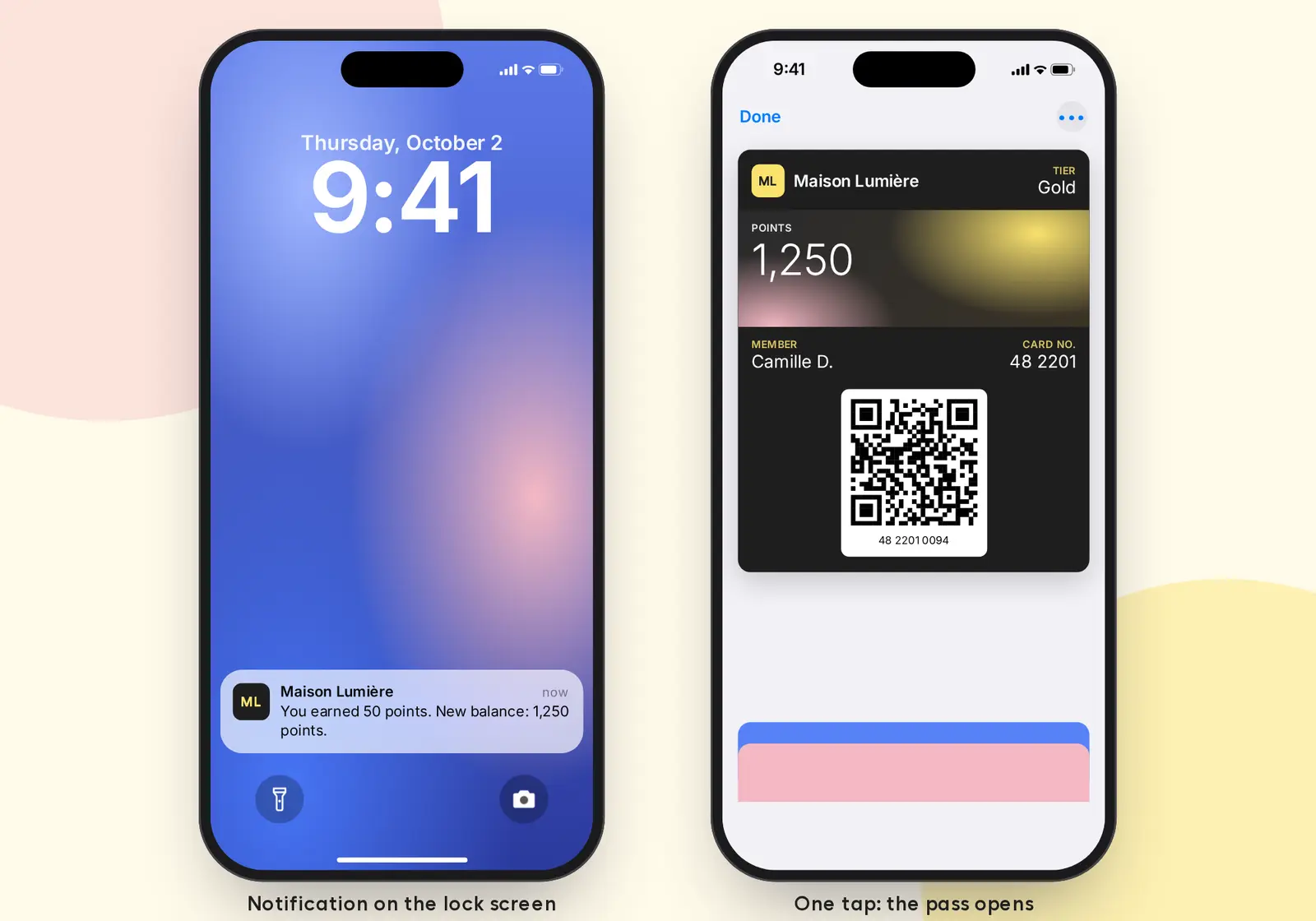
A wallet notification is an alert sent by the phone's Wallet app about a specific pass. When the customer taps it, the pass opens directly in Apple Wallet or Google Wallet, ready to show at checkout or at the venue entrance.
Apple Wallet and Google Wallet are native apps, preinstalled or available on every recent smartphone. They were built to replace physical cards and tickets, and notifications extend that role: they remind customers that their pass is there, at the right moment.
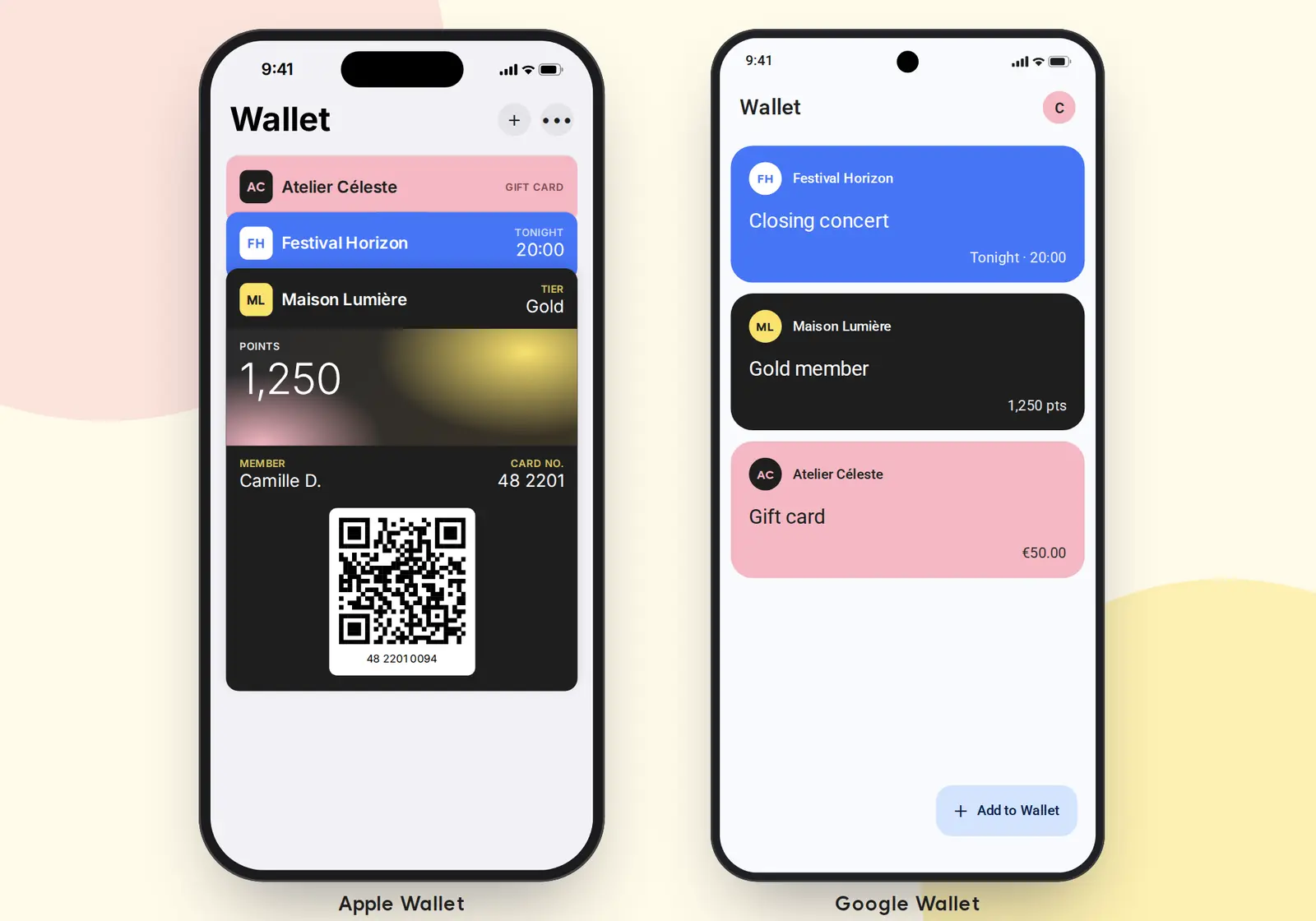
Customers stay in control. They can turn off notifications for the Wallet app in their phone settings, or only for one pass, without deleting it.
Apple Wallet vs Google Wallet: key differences
Apple Wallet
- Trigger: a notification is sent only when the pass is updated (points balance, tier, date, offer shown…).
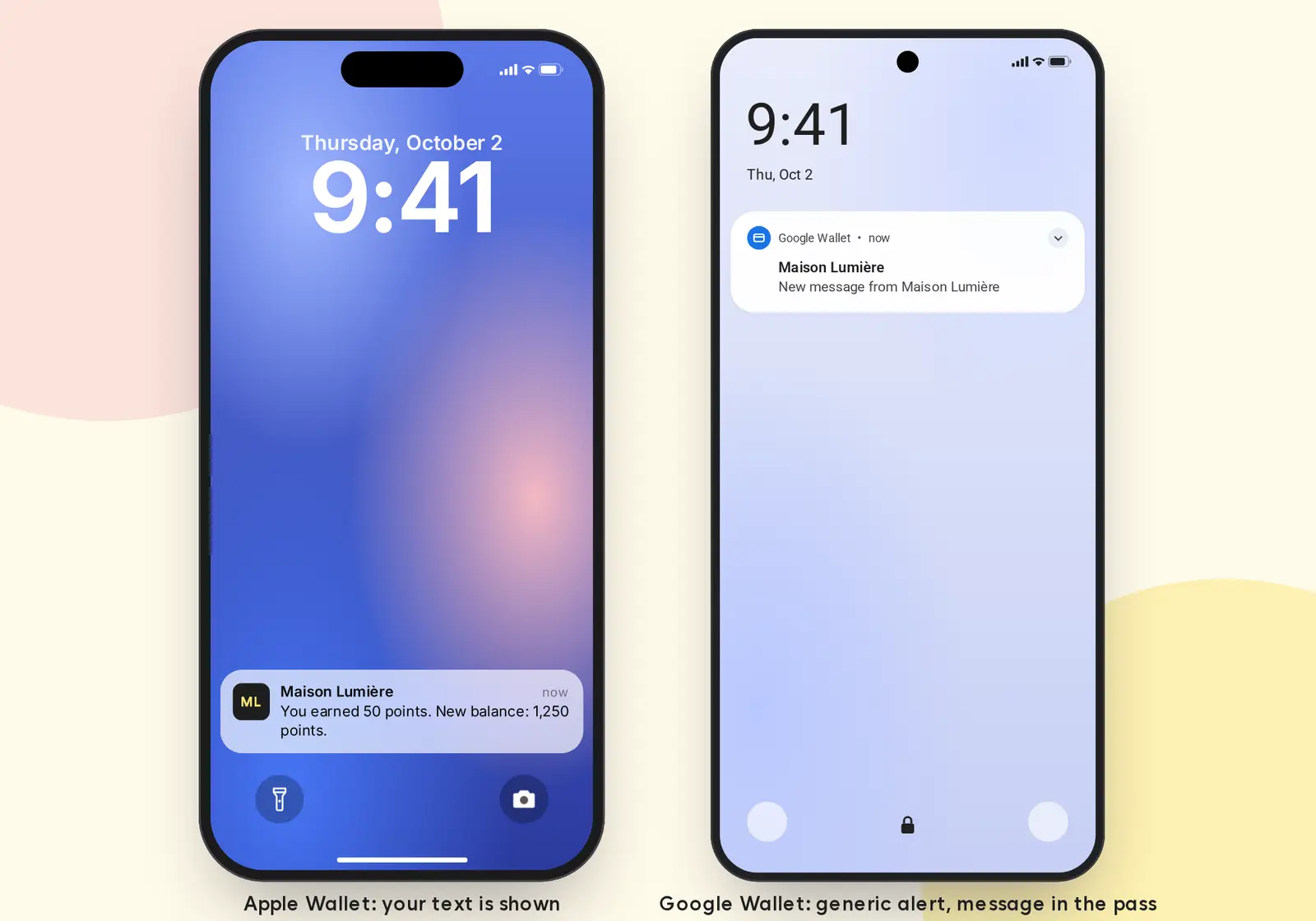
- Content: the message text is fully customizable and shows on the lock screen, in Notification Center and on Apple Watch. The latest message stays on the back of the pass.
- Length: since iOS 18, up to three lines are displayed. Keep messages under 140 characters to avoid truncation.
Google Wallet
- Trigger: Google Wallet can notify on a pass update, but also from a message added to the pass, without changing its fields.
- Content: today, Google controls the lock-screen text. It tells the customer that a new message was added, and the customer opens the pass to read it. Google Wallet notifications with a personalized message are currently in development in The Wallet Crew platform.
- Rich content: the message can include a title, description, image and clickable link, shown inside the pass.
- Limits: up to three notifying messages per pass per 24 hours, links must relate to the pass, and the customer must have enabled pass notifications. Google may throttle delivery if it detects spam.
What can trigger a wallet notification
An event in your systems (CRM, POS, ticketing)
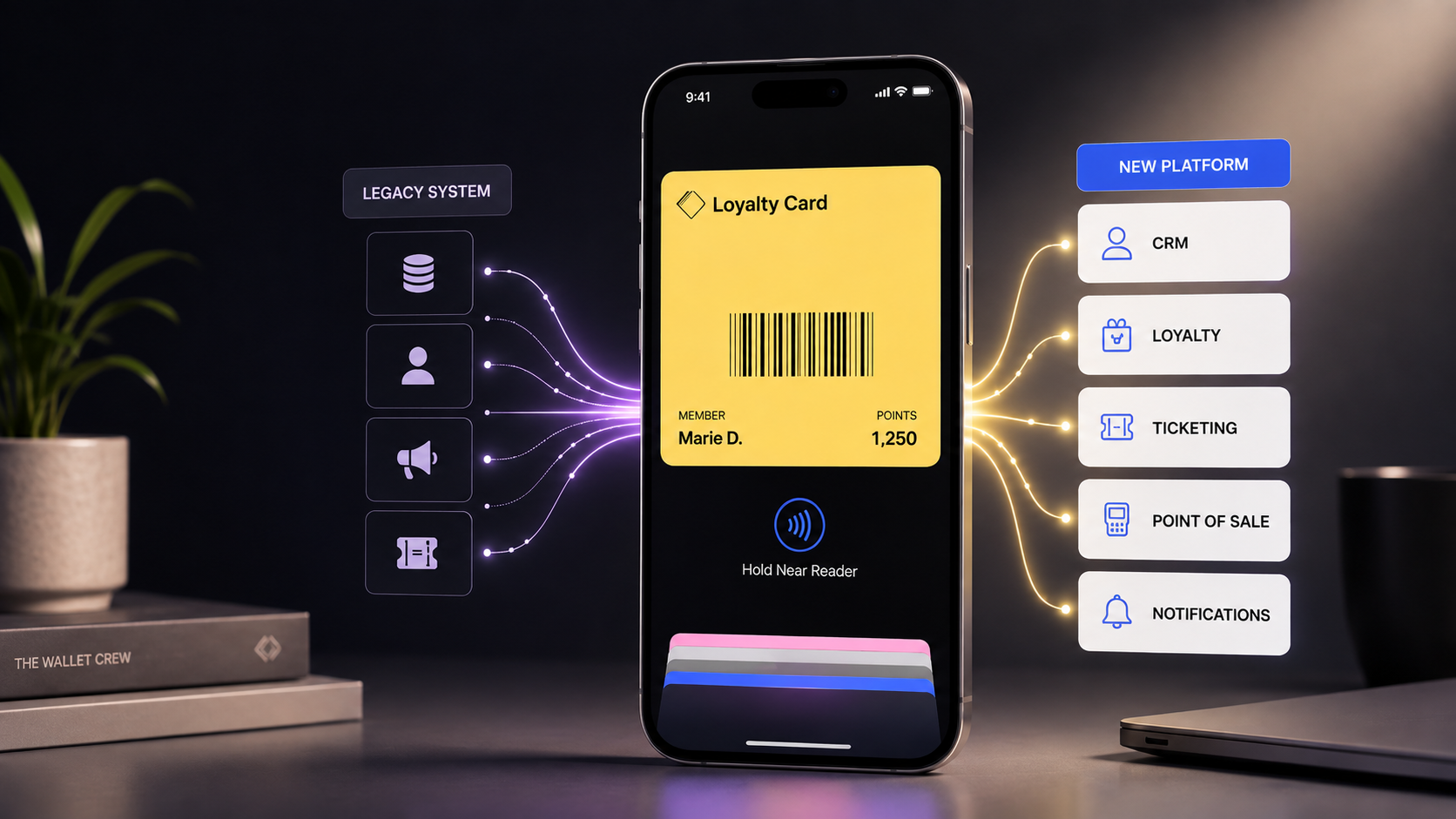
The Wallet Crew connects to your loyalty, POS and ticketing systems and updates passes in real time. Each update can trigger a notification:
- Retail: in-store purchase, points earned, new tier, voucher available, gift card balance.
- Events: new ticket, time or gate change, cancellation.
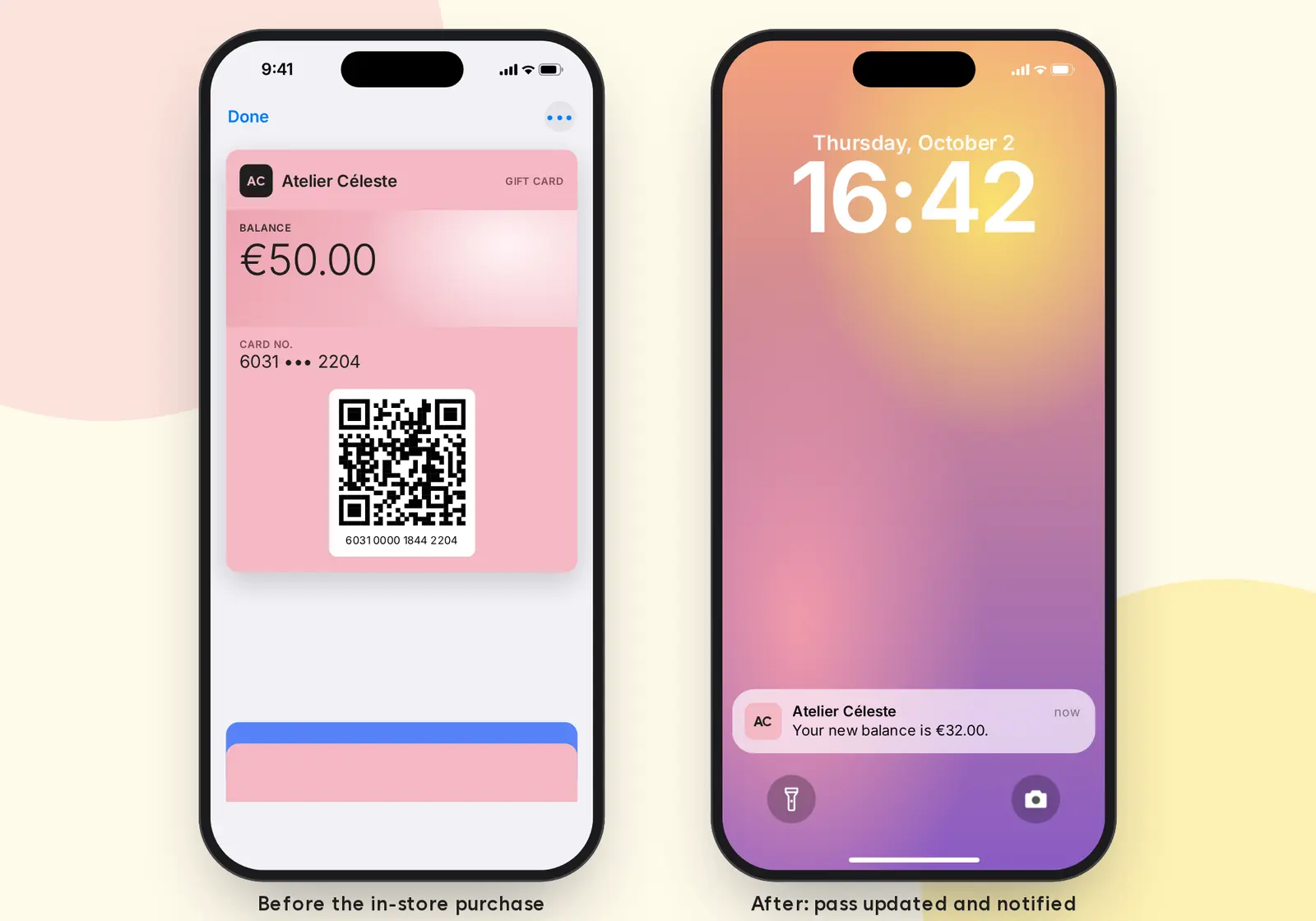
Messages can be translated and personalized by language and customer profile. See our CRM, POS and ticketing connectors.
A date or time
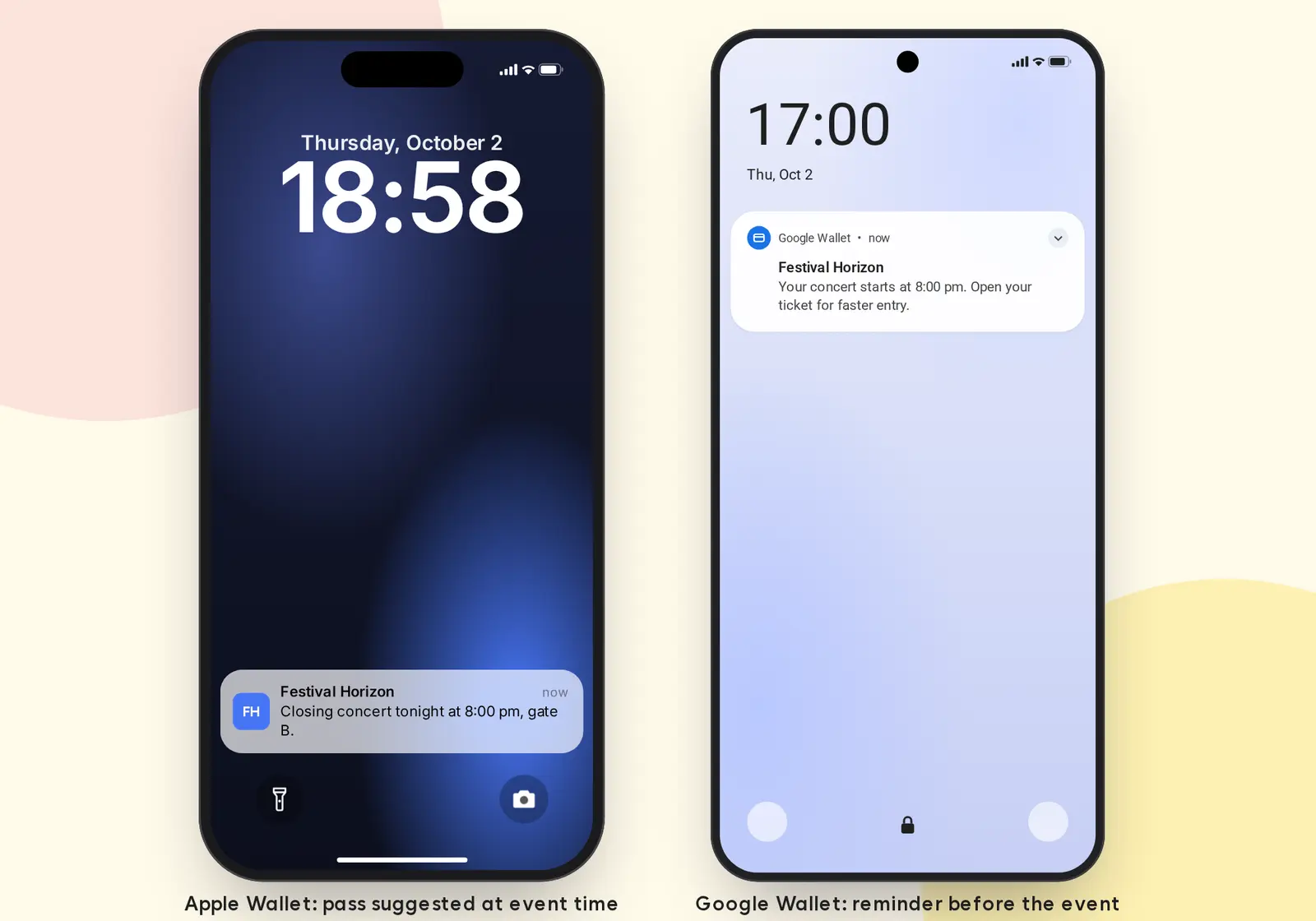
A reminder can be sent before an event or before a pass expires. Apple Wallet also surfaces the pass on the lock screen as the saved date approaches, without a sound alert. Google Wallet sends an automatic notification before an event starts.
Geolocation, on Apple Wallet and Google Wallet
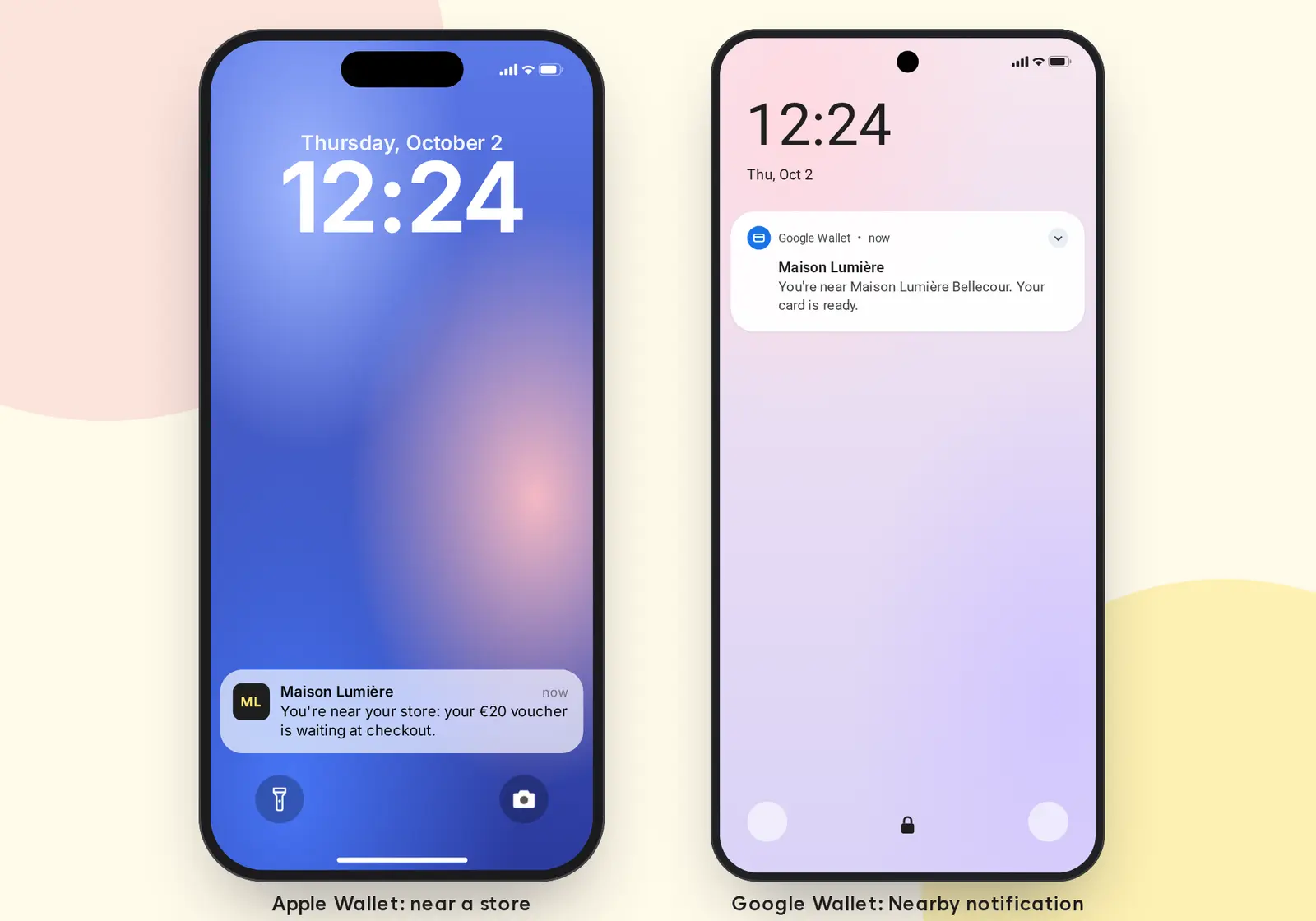
Geolocated notifications work on both platforms. A pass can hold up to 10 GPS locations, each with a radius of up to 300 meters. When the customer enters the area, the phone surfaces the pass and its message, for example "Don't forget to scan your card at checkout" or "Your ticket is ready, use gate B".
- Apple Wallet shows a lock-screen suggestion on iPhone with the configured message.
- Google Wallet shows a nearby notification on Android (learn more about Google Wallet Nearby Notifications).
The Wallet Crew assigns each customer their home store plus the 9 closest locations, and recalculates the list when their store or address changes. The message can depend on the profile, for example showing a voucher reminder only when one is available. These notifications are triggered by the phone, not sent at a set time: the customer must allow location access for the Wallet app.
Beacons (Apple Wallet only)
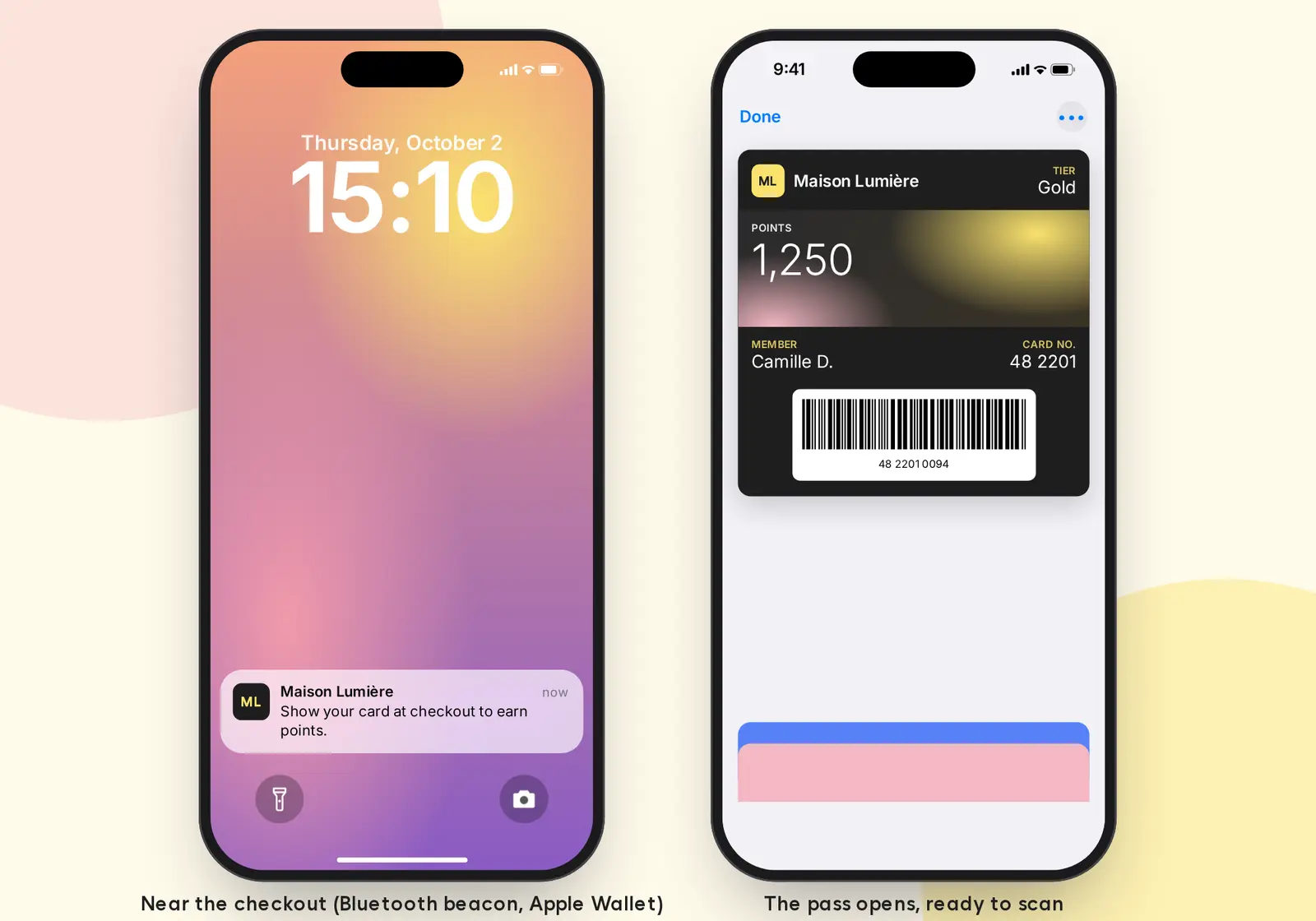
On Apple Wallet, a Bluetooth beacon can surface the pass when a customer approaches a checkout, kiosk or access gate. This requires dedicated in-store hardware. To display a QR code on a payment terminal, see the Adyen terminal setup.
Transactional or marketing: consent
A service notification (points earned, concert reminder) usually falls under contract performance. A promotional notification is direct marketing and needs a separate marketing opt-in. Accepting pass notifications on the phone is not marketing consent. Read our article on wallet notifications and GDPR for details.
Best practices for writing wallet notifications
- Keep it short: under 140 characters, readable at a glance.
- One clear call to action: "Show your card at checkout", "Open your ticket".
- Match the context: place, date, customer status, an offer that is actually available.
- Keep it rare: customers see wallet notifications as official brand messages. Too many lead to opt-outs.
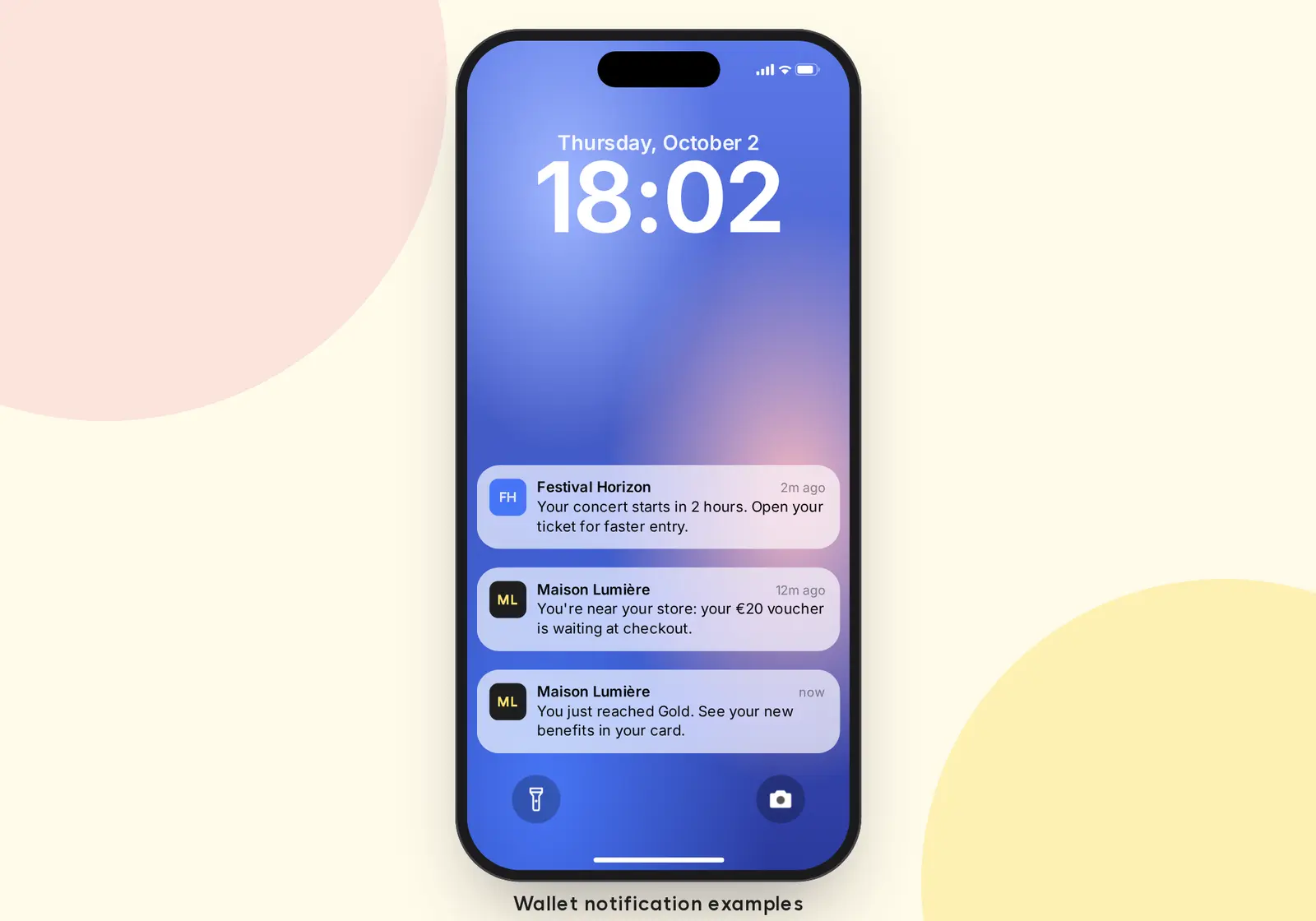
Message examples:
- Your concert starts in 2 hours. Open your ticket for faster entry.
- You're near your store: your €20 voucher is waiting at checkout.
- You just reached Gold. See your new benefits in your card.
How The Wallet Crew handles wallet notifications
The Wallet Crew manages Apple Wallet and Google Wallet passes from one platform and one API, following each wallet's rules. Notifications are triggered from your tools (CRM, POS, ticketing, marketing automation), on a schedule or near your locations, and every send is logged. Explore the wallet pass notifications platform or, for technical teams, the push notifications documentation and the geolocated notifications documentation.
FAQ
Can you customize Google Wallet notification text?
Not yet in the same way as Apple Wallet: Google usually shows a "new message" alert and the customer opens the pass to read it. Google Wallet notifications with a personalized message are in development at The Wallet Crew.
Do geolocated notifications work on Android?
Yes. Google Wallet surfaces the pass when the customer gets close to a saved location, as long as location access is allowed for the app.
How many notifications can you send?
On Google Wallet, up to three notifying messages per pass per 24 hours. Apple Wallet has no public quota, but each notification requires a pass update, so stick to useful messages.
Why didn't a customer receive the notification?
Check device settings first: notifications turned off for Wallet or for that pass, or location access denied. Then check the trigger: Apple Wallet needs a visible pass update.
Do you need consent to send wallet notifications?
For service messages, informing the customer is usually enough. Promotional messages require explicit marketing opt-in. See our GDPR article.
Planning a wallet notifications project? Talk to our team.